27 May 2026
- 0 Comments
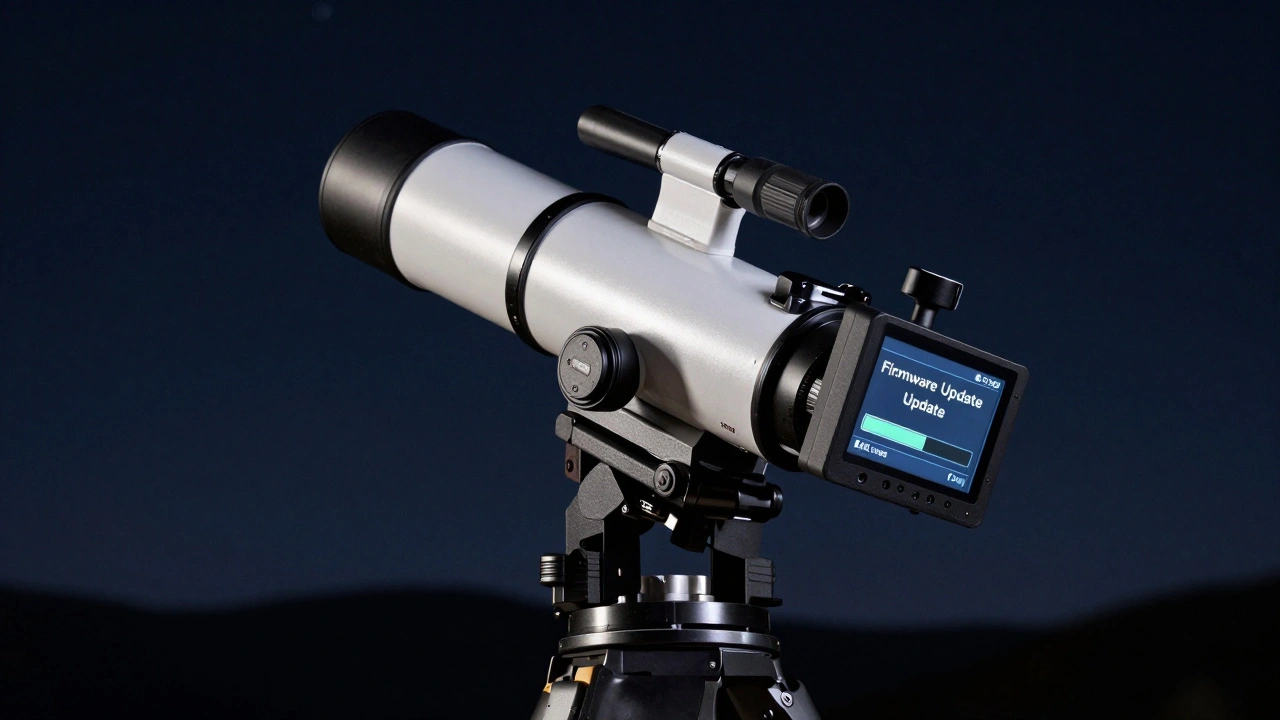
There is nothing more frustrating than spending hours aligning your GoTo mount is a motorized telescope mounting system that uses computer-controlled motors to point and track celestial objects automatically. It combines precision mechanics with software algorithms to compensate for Earth's rotation. only to watch the stars drift out of your eyepiece or smear across your long-exposure image. Before you blame your polar alignment or check your counterweights, consider a less obvious culprit: outdated firmware. The brain of your mount runs on code that manufacturers constantly refine. Skipping these updates can cost you critical tracking accuracy and reliability.
I’ve spent countless nights in the damp air of Portland, Oregon, tweaking settings and chasing perfect tracking. I’ve learned that treating your mount like a static piece of hardware is a mistake. It’s actually a computer. And like any computer, it needs patches. This guide breaks down why you should update your mount’s firmware, how to do it safely, and what specific improvements you can expect for your observing sessions.
Why Firmware Updates Matter for Tracking Precision
Manufacturers don’t release new firmware just to keep developers busy. Each update usually addresses specific issues discovered by users or identified during quality control. For a GoTo system, the most common fixes involve the tracking algorithm is the mathematical logic within the mount's controller that calculates motor speed adjustments to follow celestial bodies.
Over time, engineers find ways to smooth out micro-stutters in the stepper motors or improve how the system handles periodic error correction (PEC). If you are doing astrophotography, even a tiny jitter in the motor drive can ruin a stack of images. Updated firmware often includes refined PEC profiles that make tracking smoother. Additionally, newer versions frequently fix bugs related to slewing speeds. You might notice that older firmware slows down unnecessarily when moving between targets, wasting valuable dark sky time. An update can restore those expected performance levels.
Beyond raw tracking, updates often expand compatibility. If you recently bought a new camera or an external hand controller, the latest firmware ensures they talk to each other without glitches. It also improves the database of star catalogs, making object identification faster and more accurate.
Identifying Your Current Firmware Version
Before downloading anything, you need to know what version you are currently running. Most modern mounts display this information in the main menu of their hand controllers. Look for options labeled "System Info," "Version," or "About." Write this number down. It usually looks like a sequence of numbers separated by dots, such as 1.04 or 2.3.1.
If your mount connects to a smartphone app or PC software, the version number will appear there too. Apps like SkySafari, Sequence Generator Pro, or the manufacturer’s dedicated software (like Celestron’s StarRadar or Sky-Watcher’s SynScan) will show the connected mount’s firmware status. Knowing your current version helps you determine if an update is available and whether the change is significant enough to warrant the effort.
Safe Methods for Updating Mount Firmware
Updating firmware sounds technical, but the process has become much simpler over the years. However, interrupting the process can brick your mount, meaning it becomes unusable until repaired. Always follow safety protocols.
- Power Stability: Never update via USB from a laptop battery alone if possible. Use a reliable power source. A sudden shutdown mid-update is the primary cause of failed flashes.
- Connection Type: Use a high-quality USB cable. Cheap cables can drop data packets, causing verification errors.
- Environment: Do not perform updates while the mount is tracking or slewing. Park the mount first.
Most manufacturers provide two main methods: direct USB flashing via PC software or wireless updates through a mobile app. The PC method is generally considered more robust because computers have better error-checking capabilities than phones. Download the official utility from the manufacturer’s website-never from third-party forums unless you trust the source implicitly.
Once connected, the software will detect your mount. Select the latest firmware file provided by the vendor. Click update and wait. The screen may go black, or the motors might hum briefly. Do not unplug the device. When the process completes, the mount will reboot. Verify the new version number in the menu.
Post-Update Calibration Steps
After updating, your mount isn’t quite ready to go yet. New firmware can reset certain calibration parameters. You will likely need to perform a fresh alignment. Start with a basic one-star or two-star alignment to ensure the mount knows its orientation relative to the sky.
If you use Periodic Error Correction (PEC), remember that previous recordings are tied to the old firmware’s motor behavior. You must record a new PEC profile after the update. This takes about ten minutes but pays off in smoother tracking. Similarly, if you have custom slew limits set to avoid hitting your tripod or house, double-check these boundaries. Some updates reset user-defined limits to factory defaults.
For equatorial mounts, re-check your polar alignment. While firmware doesn’t change physical alignment, the improved pointing models in new software might reveal slight inaccuracies you previously ignored. Use a polar scope or digital level to fine-tune your position. This step ensures that the new tracking algorithms have the best possible foundation to work from.
Troubleshooting Common Update Issues
Sometimes things go wrong. If your mount fails to connect during the update, check your drivers. Windows and macOS often install generic serial drivers that conflict with specific mount communication protocols. Install the manufacturer’s recommended driver before attempting the flash again.
If the update stalls at 99%, try restarting both the mount and the computer. Re-establish the connection. In rare cases where the mount appears bricked (no lights, no response), consult the manual for a recovery mode. Many mounts have a button combination that forces them into a bootloader state, allowing a forced firmware reinstall.
| Issue | Probable Cause | Solution |
|---|---|---|
| Mount not detected | Driver conflict or bad cable | Install specific drivers; replace USB cable |
| Update fails at 50% | Power interruption | Use stable power source; retry |
| Inaccurate pointing post-update | Reset alignment model | Perform new multi-star alignment |
| PEC data lost | Firmware overwrite | Record new PEC profile |
When to Skip an Update
Not every update is mandatory. If you are a visual observer who rarely does long-exposure photography, minor bug fixes might not impact your experience significantly. Read the release notes carefully. If the update only addresses a niche issue unrelated to your usage, you might choose to wait. However, security patches or major stability fixes should always be applied. Major version jumps (e.g., from version 1.x to 2.x) often bring substantial improvements worth the effort.
Will updating firmware void my warranty?
No, using official firmware provided by the manufacturer will not void your warranty. In fact, keeping firmware up to date can help resolve issues covered under warranty. Only unofficial or modified firmware risks invalidating coverage.
Can I update my mount using just a smartphone?
Yes, many modern mounts support wireless updates via Bluetooth or Wi-Fi through dedicated apps. However, ensure your phone has sufficient battery and a stable connection. PC-based updates are generally more reliable for complex flashes.
Do I need to realign my mount after every update?
It is highly recommended. While minor updates might retain your alignment model, major updates often reset calibration data. Performing a fresh alignment ensures optimal accuracy and prevents pointing errors.
What happens if the power goes out during an update?
This can corrupt the firmware, potentially bricking the mount. To prevent this, use a UPS (Uninterruptible Power Supply) for your computer and ensure the mount is connected to a stable power source. Recovery modes exist but require technical intervention.
How often should I check for firmware updates?
Check once every few months or before major observing trips. Manufacturers typically release updates quarterly. Subscribing to newsletters from your mount’s brand is a good way to stay informed about critical releases.