22 Apr 2026
- 0 Comments
Quick Takeaways for Better Planning
- Plan captures around specific planetary features, not just the planet's presence in the sky.
- Calculate the "rotation window" to avoid motion blur in your final stack.
- Use specialized planning software to predict exactly when a feature crosses the central meridian.
- Balance your capture length with the planet's rotational speed to prevent feature smearing.
Why Rotation Matters for Your Image
If you were filming a slow-moving car, you wouldn't worry about the car rotating on its axis. But planets are fast. Jupiter, for instance, is a gas giant that spins incredibly quickly. A single rotation takes about 9 hours and 55 minutes. If you record a 5-minute video, that planet has moved a significant amount. When you use "lucky imaging"-the process of taking thousands of frames and picking the sharpest ones-the software tries to align them. If the planet rotates during that time, the software can't align the features perfectly. You end up with a "soft" image where the edges of a storm or a cloud belt look smudged. This is why we can't just hit record and leave the camera running for an hour. We need specific windows.Calculating Your Capture Window
To get the best results, you need to know the rotational period of your target. Let's look at the big players:- Jupiter: Rotates roughly every 10 hours. High rotation speed means shorter capture windows to avoid smearing.
- Saturn: Takes about 10.5 hours. Similar to Jupiter, but the rings add another layer of complexity to alignment.
- Mars: Rotates every 24.6 hours. This is much slower, giving you a wider window to capture surface details like Syrtis Major.
| Planet | Rotation Period | Feature Speed | Recommended Window |
|---|---|---|---|
| Jupiter | ~9.9 hours | Very Fast | 2-5 minutes per clip |
| Saturn | ~10.7 hours | Fast | 3-7 minutes per clip |
| Mars | ~24.6 hours | Slow | 10-20 minutes per clip |
The Role of Software in De-rotation
Once you've captured your video, the heavy lifting happens in post-processing. Most planetary imagers use a combination of tools to handle the spin. AutoStakkert! is a staple for stacking, but for true rotation correction, many turn to Registax or specialized plugins. The software works by identifying a high-contrast point on the planet-like a dark spot in a cloud belt-and tracking its movement across the frames. It then applies a mathematical rotation to every subsequent frame to keep that point in the same X-Y coordinate. This is effectively the digital version of a tracking mount, but for the planet's spin instead of the Earth's rotation. If you record for too long, the software might lose track of the feature, or the feature might rotate so far that it leaves the frame. This creates "dead zones" in your data where the software can't find a match, forcing you to throw away perfectly sharp frames just because they are rotated wrong.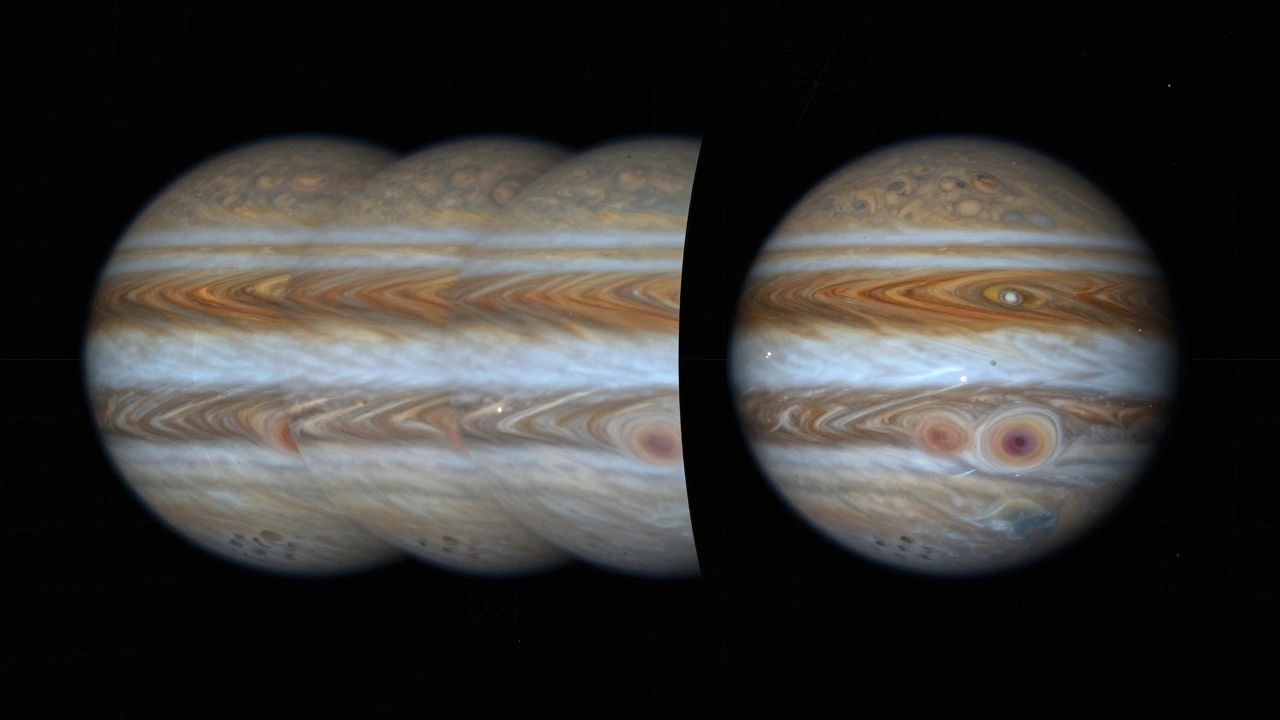
Step-by-Step Planning Your Session
Don't just wing it. Use a structured approach to ensure your target is visible and centered.- Identify the Target Feature: Check current planetary maps. For Jupiter, is the Great Red Spot (GRS) visible tonight? For Saturn, are the Cassini Division gaps clear?
- Check the Transit Time: Use a planetary calculator to find when the feature hits the central meridian. You want your video to start slightly before and end slightly after this peak.
- Verify Atmospheric Stability: Check your local "seeing" conditions. If the air is turbulent, no amount of de-rotation will save a blurry image.
- Set Your Frame Rate: Use a high-speed camera (like a CMOS planetary camera) to capture 60-120 frames per second. This freezes the atmospheric turbulence, while the de-rotation software freezes the planet's spin.
- Execute Short Bursts: Instead of one 30-minute video, take six 5-minute videos. This prevents the rotation from becoming too extreme for the software to handle efficiently.
Common Pitfalls and How to Avoid Them
One big mistake beginners make is confusing tracking with de-rotation. Tracking is what your equatorial mount does to keep the planet in the center of the field of view. De-rotation is about the planet spinning on its own axis. You need both. If your mount is drifting, your de-rotation software will struggle because it's trying to correct for two different types of movement at once. Another issue is "limb darkening" and distortion. As a feature rotates toward the edge of the planet, it appears squashed. If you include too much of this in your capture window, the de-rotation process can introduce artifacts. Keep your focus on the center 60% of the disk for the highest detail.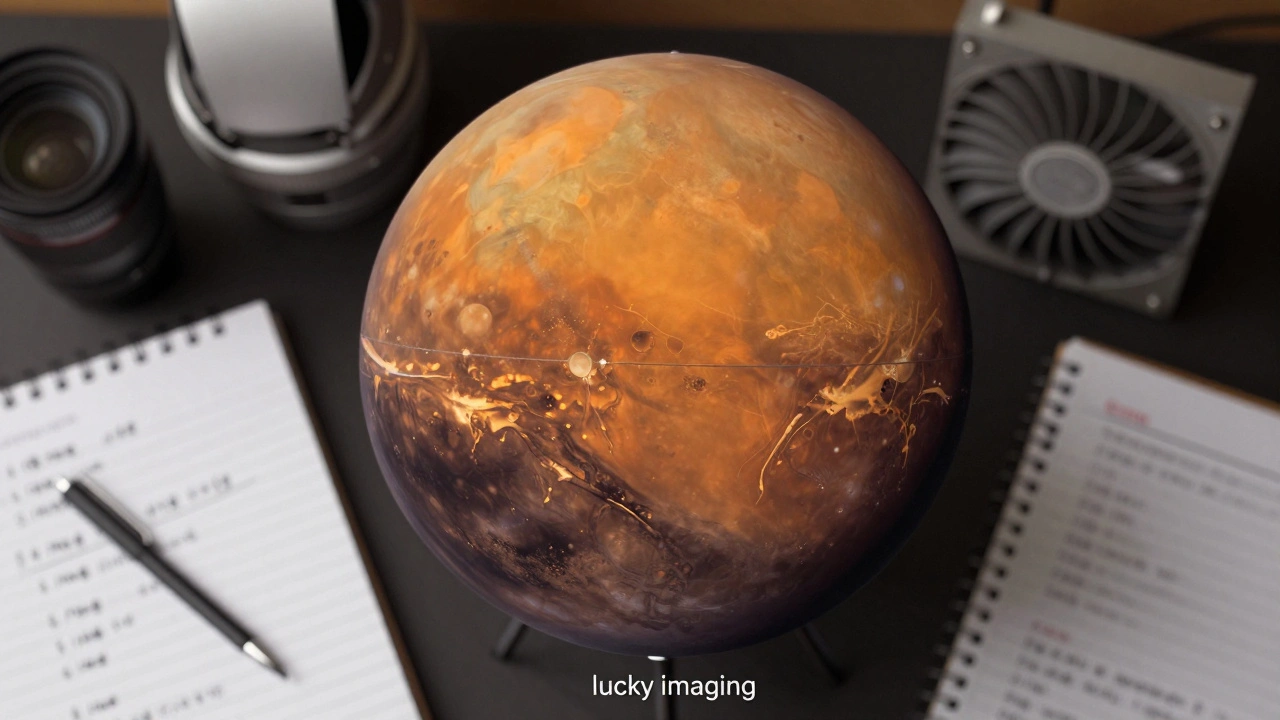
Connecting the Dots: Beyond the Single Planet
Understanding de-rotation opens the door to more complex projects. For example, if you want to create a "composite" map of a planet, you'll need to capture multiple windows over several hours, then stitch them together using the known rotation rate. This is how professional observatories create high-resolution global maps of Mars. This process also relates to Lucky Imaging. The philosophy is the same: we are fighting nature. We fight the atmosphere by taking thousands of frames and we fight the planetary spin by using de-rotation. When these two techniques align, you get images that look like they were taken by a space probe.Does de-rotation work for the Moon?
Not in the same way. The Moon rotates very slowly (once every 27.3 days), so for a standard imaging session, the rotation is negligible. However, you still need to account for "field rotation" if you are using an Alt-Az mount, which is a different phenomenon entirely.
What is the best software for planetary de-rotation?
AutoStakkert! is excellent for stacking and provides basic alignment. For more advanced rotation correction, Registax is often cited, though many modern users utilize specialized scripts or plugins within imaging suites to handle the specific rotation rates of Jupiter and Saturn.
How long should my video clips be?
For fast rotators like Jupiter, keep clips between 2 and 5 minutes. For slower targets like Mars, you can push this to 10 or 20 minutes. The goal is to capture enough "lucky" frames without letting the feature rotate so far that the software loses its reference point.
Can I de-rotate images taken with a smartphone?
Yes, provided the smartphone can record high-frame-rate video. The de-rotation happens in the software on your computer, regardless of where the video came from. However, the lower resolution and smaller sensor of a phone will limit the final detail you can achieve.
What happens if I don't use de-rotation?
If you stack a long video without de-rotation, the features on the planet will appear blurry or "smeared" in the direction of rotation. This effectively lowers the resolution of your image, making it look like you used a cheaper telescope or have poor seeing conditions.