13 Mar 2026
- 0 Comments
When you're serious about planning your next observing session-whether you're chasing a faint nebula, tracking a comet, or just trying to figure out when Orion will be high enough to avoid light pollution-you need software that doesn't just show stars, but understands the sky. Two names come up again and again in serious amateur astronomy circles: Starry Night Pro is a commercial planetarium software developed by Simulation Curriculum, designed for precision astronomy planning with advanced telescope control, deep-sky object databases, and real-time sky simulation. Starry Night Pro 8 has been the go-to for educators and advanced hobbyists since 2005. On the other side, Stellarium is a free, open-source planetarium program that simulates a realistic sky in 3D, with support for telescopes, sky cultures, and customizable plugins. First released in 2002, it's now used by over 10 million users worldwide. So which one actually delivers for someone who’s out there with a telescope, not just staring at a screen?
What You Get with Starry Night Pro
Starry Night Pro isn’t just a sky map. It’s a full observatory toolkit. The software includes over 10 million stars, 20,000 deep-sky objects, and full 3D models of planets, moons, and asteroids. It shows you exactly where your telescope will point at any given time, with real-time tracking for GoTo mounts from Celestron, Meade, and Sky-Watcher. If you’re planning a long-exposure astrophotography session, it calculates exposure times based on your camera’s sensitivity, local sky brightness, and object magnitude. It even simulates atmospheric extinction and light pollution levels for your exact location.
One feature that sets it apart is the Time Lapse tool. You can set it to show the sky over 24 hours, then pause and zoom in on a specific object. Want to know when the Andromeda Galaxy will be at its highest point in late April? Starry Night Pro gives you the exact time, altitude, azimuth, and even how much it will drift due to Earth’s rotation. It also includes detailed object descriptions pulled from professional astronomy databases, not just amateur forums.
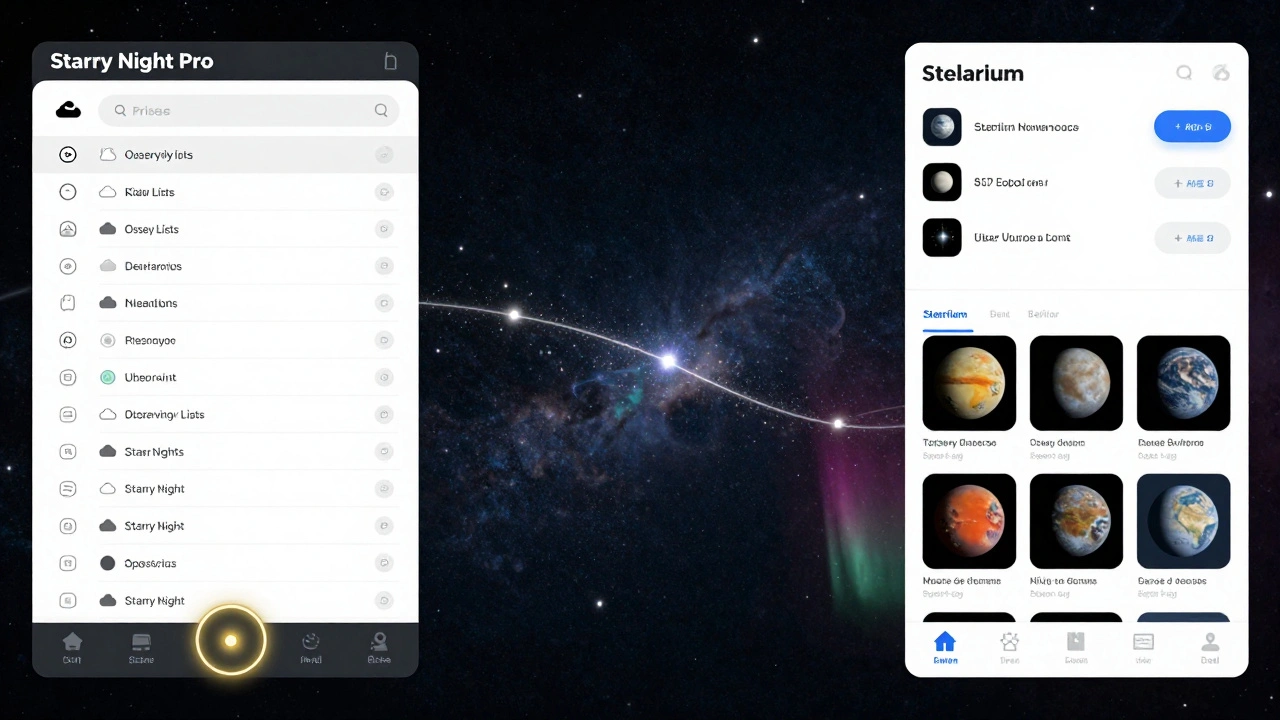
It supports multiple sky cultures-Chinese, Inuit, Aboriginal, and more-so if you’re teaching or just curious about how different cultures saw the stars, it’s built in. The interface is polished, with drag-and-drop object labeling, customizable sky layers, and a built-in observing list manager that syncs with mobile apps. You can export your observing plans as PDFs or share them with fellow astronomers via cloud sync.
What Stellarium Offers for Free
Stellarium is what happens when a passionate community builds something powerful without a corporate budget. It doesn’t have the polish of Starry Night Pro, but it’s incredibly deep. The base catalog includes 600 million stars, with optional plugins that add millions more. It renders the Milky Way with realistic nebulosity, shows atmospheric scattering effects, and even simulates the appearance of comets as they appear to the naked eye or through binoculars.
Its biggest strength? Flexibility. You can load custom sky textures, add your own deep-sky object catalogs (like the Herschel 400 or the Caldwell list), and tweak the rendering engine to match your telescope’s field of view. If you have a Dobsonian, you can set up a manual alignment mode that shows where to point based on star-hopping paths. There’s no built-in telescope control, but you can connect to a telescope via ASCOM or ST4 using plugins-and many users do, especially with Raspberry Pi setups.
Stellarium also lets you simulate the sky from anywhere in the solar system. Want to see what the Milky Way looks like from Mars? Or how the moons of Jupiter appear from Europa? It’s all there. The software updates regularly, with new versions adding real-time meteor shower displays, lunar libration views, and even planetary transit predictions. It’s been used in planetariums, classrooms, and even by NASA educators.
Side-by-Side Comparison
| Feature | Starry Night Pro | Stellarium |
|---|---|---|
| Cost | $79.99 (one-time purchase) | Free |
| Stars Catalog | 10+ million | 600+ million (with plugins) |
| Deep-Sky Objects | 20,000+ (with detailed data) | Unlimited (user-uploaded) |
| Telescope Control | Native support (ASCOM, ST4, SkyWire) | Plugin required (ASCOM/ST4) |
| Observing Lists | Integrated manager with cloud sync | Basic list builder |
| 3D Solar System | Yes (planets, moons, asteroids) | Yes (with full orbital motion) |
| Atmospheric Simulation | Light pollution, extinction, transparency | Light scattering, haze, air clarity |
| Mobile Sync | Yes (Starry Night Mobile app) | No native sync |
| Updates | Major updates every 2-3 years | Monthly patches, active community |
| Best For | Professional planning, telescope control, astrophotography | Learning, customization, free access, deep sky exploration |
Who Should Choose Starry Night Pro?
If you’re spending serious time under the stars and your telescope is more than a toy, Starry Night Pro is worth the investment. It’s the tool for people who plan observing sessions weeks in advance. If you own a GoTo mount and want your software to talk directly to it-without fiddling with drivers-you’ll appreciate the seamless integration. The software’s ability to predict when a target will rise above your horizon, accounting for your local trees and buildings, saves hours of wasted time.
It’s also ideal for educators. Teachers use it to simulate eclipses, planetary alignments, and lunar phases for entire classrooms. The built-in lesson plans and interactive quizzes make it a classroom staple. If you’re writing a blog, making YouTube videos, or leading a local astronomy club, the export tools and high-res sky images give you professional-grade visuals.
Who Should Stick With Stellarium?
Stellarium is perfect if you’re on a budget, love tinkering, or just want to explore the sky without paying a cent. It’s the go-to for beginners who want to learn constellations, for hobbyists who enjoy tweaking settings, and for those who use multiple telescopes (including manual ones). Its plugin system means you can add comet data from the Minor Planet Center, simulate auroras, or even overlay historical sky maps from 1700 AD.
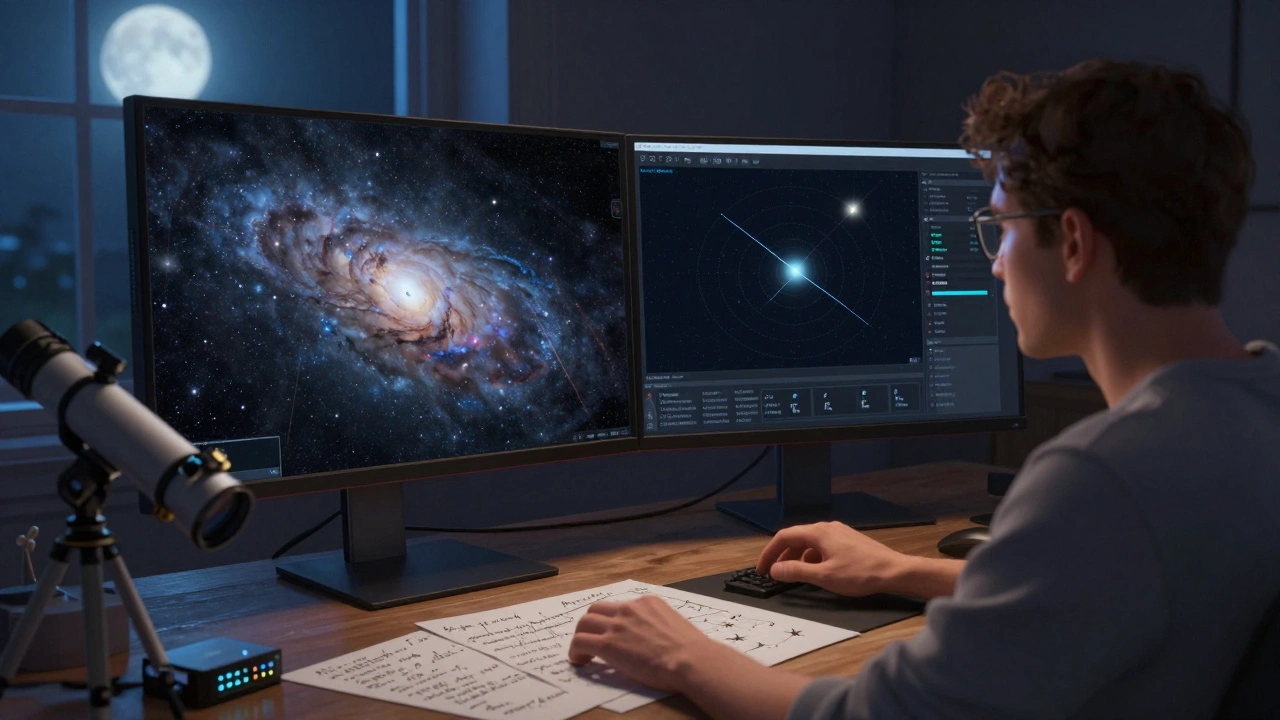
Many users run Stellarium on a second monitor while observing, using it to identify objects they’ve spotted through the eyepiece. The ability to switch between sky cultures, simulate skies from other planets, and adjust atmospheric conditions makes it feel alive. It’s not as polished, but it’s more alive. And because it’s open-source, you can see how it works-or even contribute to its code.
Real-World Use Case: Planning a Spring Observing Night
Last week, I was planning a session for the Lyrid meteor shower. I wanted to catch the peak around 2 a.m., but I needed to know if the Moon would interfere. I opened both programs.
Starry Night Pro showed me the exact moonrise time, lunar phase percentage, and how its glare would affect the visibility of faint meteors. It even calculated the limiting magnitude for my backyard-10.2-with my current light pollution level. I set an alarm for 1:45 a.m. and let the software remind me when to step outside.
Stellarium gave me the same moon data, but I had to manually enable the atmospheric extinction plugin and adjust the sky brightness slider. I then downloaded a custom meteor shower plugin from the Stellarium website to show the radiant point and estimated rates. I didn’t get a reminder, but I could see the entire sky from 10 p.m. to dawn in one continuous view.
Starry Night Pro told me when to go out. Stellarium showed me what I’d see when I got there.
Final Thoughts: It’s Not About Which Is Better-It’s About What You Need
There’s no winner here. Starry Night Pro is the precision instrument. Stellarium is the Swiss Army knife. One costs money, the other asks for your time. One gives you automation, the other gives you freedom.
If you’re serious about planning, want your software to work with your gear, and don’t mind paying once for a lifetime tool, go with Starry Night Pro. If you’re curious, experimental, or just want to see the universe without spending a dime, Stellarium will take you farther than you expect.
And honestly? Many serious observers run both. Starry Night Pro for planning. Stellarium for late-night exploration.
Is Stellarium really as accurate as Starry Night Pro?
Yes, for most practical purposes. Stellarium uses the same underlying astronomical algorithms as professional planetarium software, including the JPL DE430 ephemeris for planetary positions. Its star catalog is based on Hipparcos and Gaia data, which are the gold standards in astronomy. The main difference isn’t accuracy-it’s polish. Starry Night Pro includes curated object data and real-time telescope feedback that Stellarium doesn’t have out of the box. But if you’re just trying to find a galaxy or track a planet, Stellarium won’t let you down.
Can I use Stellarium with my GoTo telescope?
Absolutely. You need to install the ASCOM platform on Windows or use the SkyWire plugin on macOS/Linux. Once connected, Stellarium can send coordinates to your mount, just like Starry Night Pro. It doesn’t have built-in support, but the community has made it work reliably for decades. Many users pair it with a Raspberry Pi running KStars, which adds even more telescope control options.
Does Starry Night Pro work on Mac or Linux?
Starry Night Pro 8 runs natively on Windows and macOS. There is no official Linux version. If you’re on Linux, your best bet is Stellarium, which is fully supported and often performs better on open-source systems. Some users run Starry Night Pro on Linux via Wine, but it’s unstable and not recommended for serious use.
Which one is better for astrophotography planning?
Starry Night Pro wins here. It has built-in exposure calculators that factor in your camera’s ISO, sensor size, and local sky brightness. It can simulate how long you’ll need to expose for a target based on its magnitude and your equipment. It also shows you the best time to shoot based on object altitude, moon phase, and even air transparency. Stellarium can’t do this without third-party plugins, and even then, it’s not as refined.
Is there a mobile version of Starry Night Pro?
Yes. Starry Night Mobile is a companion app available for iOS and Android. It syncs with the desktop version, so you can plan your session on your computer and then take the observing list with you. You can even use your phone’s GPS and compass to align with the sky. Stellarium has mobile apps too, but they’re separate products with no sync capability and limited features compared to the desktop version.