12 May 2026
- 0 Comments
Staring at a black screen while your camera warms up is the worst part of astrophotography. You’ve got the gear, you’ve picked the target, and the stars are rising. But instead of capturing data, you’re manually clicking "start" on every exposure, hoping you don’t forget to adjust the focus or check the temperature. That’s where sequencing software changes everything. It automates the boring stuff so you can actually enjoy the night.
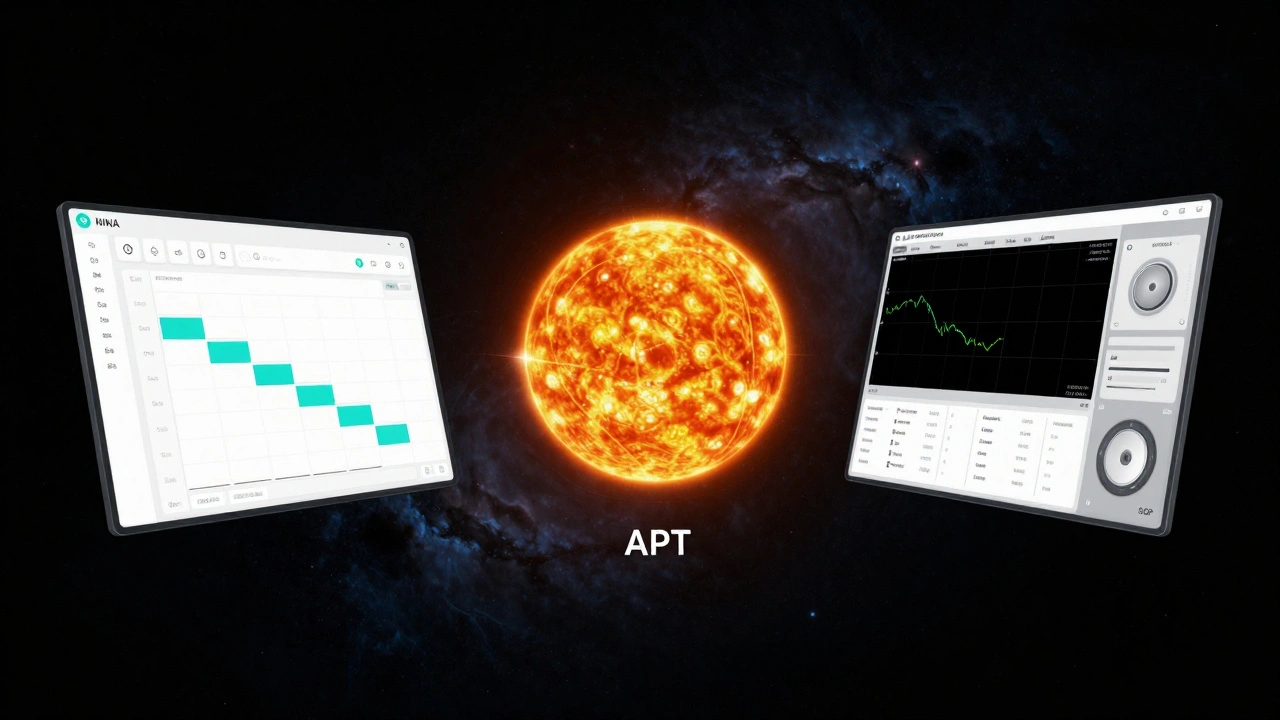
In 2026, three tools dominate the conversation: NINA (Nighttime Imaging 'n' Astronomy), APT (Advanced Astro Photography Tool), and SGP (Sequence Generator Pro). Each handles automation differently, and picking the wrong one can mean hours of frustration during critical imaging windows. This guide breaks down how they compare, who they are built for, and which one fits your workflow.
What Is Sequencing Software?
Sequencing software acts as the brain behind your imaging rig. Instead of controlling your camera, mount, and filter wheel individually, it sends commands to all of them in a specific order. You define a sequence-say, ten light frames of two minutes each-and the software executes it automatically. It handles focusing, dithering (shifting the image slightly to reduce noise), flat frame acquisition, and even error recovery if a cable gets bumped.
The core job of these tools is reliability. When you are imaging from a remote location or sleeping through the night, you need software that won’t crash if a star drifts out of the field of view. Modern sequencers also integrate with weather stations to pause sequences if clouds roll in, saving you from wasting time on ruined data.
| Feature | NINA | APT | Sequence Generator Pro (SGP) |
|---|---|---|---|
| Price | Free (Open Source) | Free (Open Source) | $95 (One-time) |
| Platform | Windows (.NET) | Windows (.NET) | Windows / macOS / Linux |
| Learning Curve | Medium | Low | High |
| ASCOM Support | Excellent | Good | Industry Standard |
| Best For | All-around imaging | Solar/Lunar & Quick setups | Complex rigs & Multi-mount control |
NINA: The Community Powerhouse
NINA is a free, open-source imaging application developed by a community of astronomers. It has become the go-to choice for many Windows users because it balances powerful features with a clean interface. If you have an ASCOM-compatible setup, NINA likely supports your hardware out of the box.
The strength of NIN lies in its modularity. You can add plugins for weather integration, plate solving, and guiding without leaving the app. Its sequence editor is visual and intuitive; you drag and drop steps like "Focus," "Take Image," and "Dither" into a timeline. For beginners, this removes the guesswork. For advanced users, the scripting capabilities allow for custom logic, such as changing filters based on sky brightness.
However, NINA relies heavily on the .NET framework, meaning it runs best on Windows. While there are workarounds for Linux using Wine, it isn’t native. Also, because it is community-driven, updates can sometimes introduce bugs. You need to be comfortable reading forum threads and troubleshooting if something breaks mid-sequence.
APT: Simplicity Meets Solar Imaging
APT (Advanced Astro Photography Tool) takes a different approach. Created by Brian Vauranger, APT focuses on simplicity and speed. It is particularly famous among solar imagers because it handles high-speed video capture and stacking seamlessly. If you are shooting the Sun or Moon, APT is often the first recommendation.
Unlike NINA, which feels like a full suite, APT feels like a focused tool. The interface is less cluttered, making it easier to find what you need quickly. It supports ASCOM devices but doesn’t rely on them as strictly for basic operations. You can connect a camera and start taking pictures with fewer configuration steps. This makes it ideal for portable setups or when you are setting up under time pressure.
The trade-off is flexibility. APT lacks some of the deep automation features found in NINA or SGP. Complex multi-filter sequences require more manual oversight. It also doesn’t have as large a plugin ecosystem. If your workflow involves simple light frames, dark calibration, and occasional flats, APT is robust and reliable. But if you want fully autonomous nights with complex error handling, you might find it limiting.
Sequence Generator Pro: The Professional Standard
Sequence Generator Pro (SGP is a paid sequencing software designed for serious astrophotographers). Developed by Astro-Physics, it is considered the industry standard for professional observatories and dedicated amateurs. You pay $95 for a lifetime license, which includes updates and support. For many, this cost is justified by the stability and depth of features.
SGP excels in precision. Its guiding integration is superior, allowing it to make micro-adjustments to tracking errors in real-time. It also supports multiple mounts simultaneously, which is crucial for dual-imaging setups. The software uses a sophisticated algorithm to predict optimal exposure times and focus points, reducing trial-and-error.
The downside is complexity. SGP has a steep learning curve. The interface is dense with options, and configuring a new device can take time. It requires a solid understanding of astrophotography concepts like polar alignment, periodic error correction, and dithering strategies. If you are new to the hobby, SGP might feel overwhelming. But once mastered, it offers unmatched control and reliability.
Key Differences in Workflow
How you use these tools matters as much as what they do. NINA encourages a "set and forget" workflow. You build a sequence, test it, and let it run. It integrates well with other software like PHD2 for guiding and PixInsight for post-processing. Many users keep NINA open throughout the night, monitoring progress via a smartphone app.
APT promotes a hands-on approach. You are more likely to interact with the software during the session, adjusting settings between shots. This is great for learning but less ideal for unattended imaging. Its strength lies in quick turnaround times, making it perfect for daytime solar sessions or short lunar observations.
SGP sits in the middle but leans toward automation. It is designed to run long, uninterrupted sequences. Its error recovery is robust; if a guide star is lost, SGP will attempt to reacquire it before resuming imaging. This resilience is why professionals trust it for critical projects. However, this comes at the cost of simplicity. You spend more time configuring initially to get the right results later.
Hardware Compatibility and ASCOM
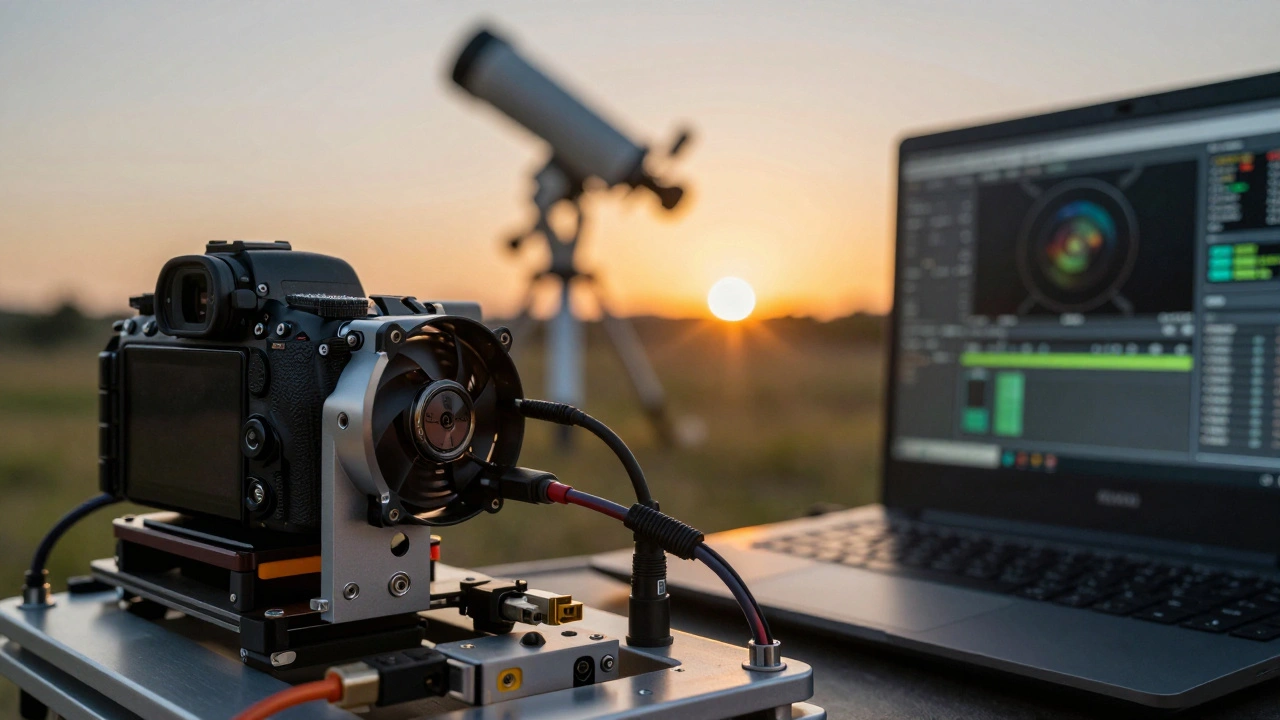
All three tools rely on ASCOM (Automated System for Console Observing), a standard protocol for connecting astronomical equipment. ASCOM allows different brands of cameras, mounts, and filter wheels to communicate with sequencing software. Without ASCOM, you would need proprietary drivers for each device, creating a fragmented experience.
NINA and SGP have the broadest ASCOM support. They regularly update their driver lists to include new hardware. APT also supports ASCOM but may lag behind in recognizing very recent devices. If you use non-ASCOM hardware, such as some ZWO cameras with direct USB connections, NINA and APT handle this better than SGP, which prefers standardized interfaces.
For Linux users, SGP is the only option that runs natively. NINA requires Windows compatibility layers, which can cause issues with hardware detection. APT does not support Linux. If you are building a Raspberry Pi-based observatory, you might need to look beyond these three or stick with Windows-based controllers.
Choosing the Right Tool for You
Your choice depends on your goals and technical comfort. If you are just starting out and want a free, user-friendly option, NINA is the best bet. It teaches good habits and grows with you. If you focus on solar or lunar imaging and value simplicity, APT is hard to beat. It gets out of your way and lets you shoot.
If you have a complex setup with multiple mounts or need bulletproof reliability for remote observing, invest in SGP. The learning curve is worth it for the peace of mind. Consider your budget too. NINA and APT are free, but they require more time to troubleshoot. SGP costs money but saves time through stability and support.
Ultimately, the best sequencing software is the one you understand. Spend time testing each tool with a dummy sequence before committing to a major imaging project. Check forums for user experiences with your specific hardware. And remember, no software replaces good polar alignment and stable equipment. Automation amplifies your skills; it doesn’t replace them.
Is NINA really free forever?
Yes, NINA is completely free and open-source. There are no premium versions or hidden fees. The development is supported by donations from the community, but you can download and use all features without paying anything.
Can I use APT for deep-sky imaging?
Absolutely. While APT is popular for solar imaging, it fully supports deep-sky workflows. It can handle long exposures, filter changes, and dithering. However, its automation features are less extensive than NINA or SGP, so you may need to monitor the sequence more closely.
Does Sequence Generator Pro work on Mac?
Yes, SGP offers native versions for macOS, Windows, and Linux. This cross-platform support is one of its key advantages over NINA and APT, which are primarily Windows-based. Mac users benefit from seamless integration with Apple hardware.
Which software is best for beginners?
NINA is generally recommended for beginners due to its intuitive interface and strong community support. APT is also beginner-friendly, especially for simple setups. SGP is better suited for intermediate to advanced users who need precise control and are willing to invest time in learning.
Do I need ASCOM drivers for all three?
ASCOM drivers are highly recommended for all three, especially for mounts and filter wheels. NINA and SGP rely heavily on ASCOM for hardware communication. APT supports ASCOM but can also work with direct USB connections for some cameras. Installing the latest ASCOM platform ensures compatibility with most modern equipment.