16 Jan 2026
- 0 Comments
Setting up a GoTo mount for the first time can feel overwhelming. You’ve unpacked your telescope, assembled the tripod, and connected the hand controller-now what? If the scope doesn’t point where you expect, it’s not broken. It just needs to be aligned. And that’s easier than it sounds. Most beginners think they need perfect star charts or a dark sky, but all you really need is two clear spots in the sky and five minutes. Let’s walk through how to align a GoTo mount properly, no experience required.
What a GoTo Mount Actually Does
A GoTo mount is a motorized telescope base that moves automatically to any object in its database. You tell it to find Orion’s Belt, and it swings there. But here’s the catch: it doesn’t know where it is until you tell it. Think of it like a GPS that doesn’t know your location. You have to input your position and point it at two known stars so it can figure out where it’s looking in the sky. That’s alignment.
Without alignment, the mount guesses. And it guesses wrong. Often by dozens of degrees. That’s why you might see a star in your eyepiece one second and nothing the next. The mount thinks it’s pointing at Vega, but it’s actually aimed at your neighbor’s porch light. Alignment fixes that.
Before You Start: Prepare Your Setup
You don’t need to wait for midnight. Just make sure you’re ready.
- Set up on level ground. A wobbly tripod means shaky alignment. Use a bubble level if your mount has one.
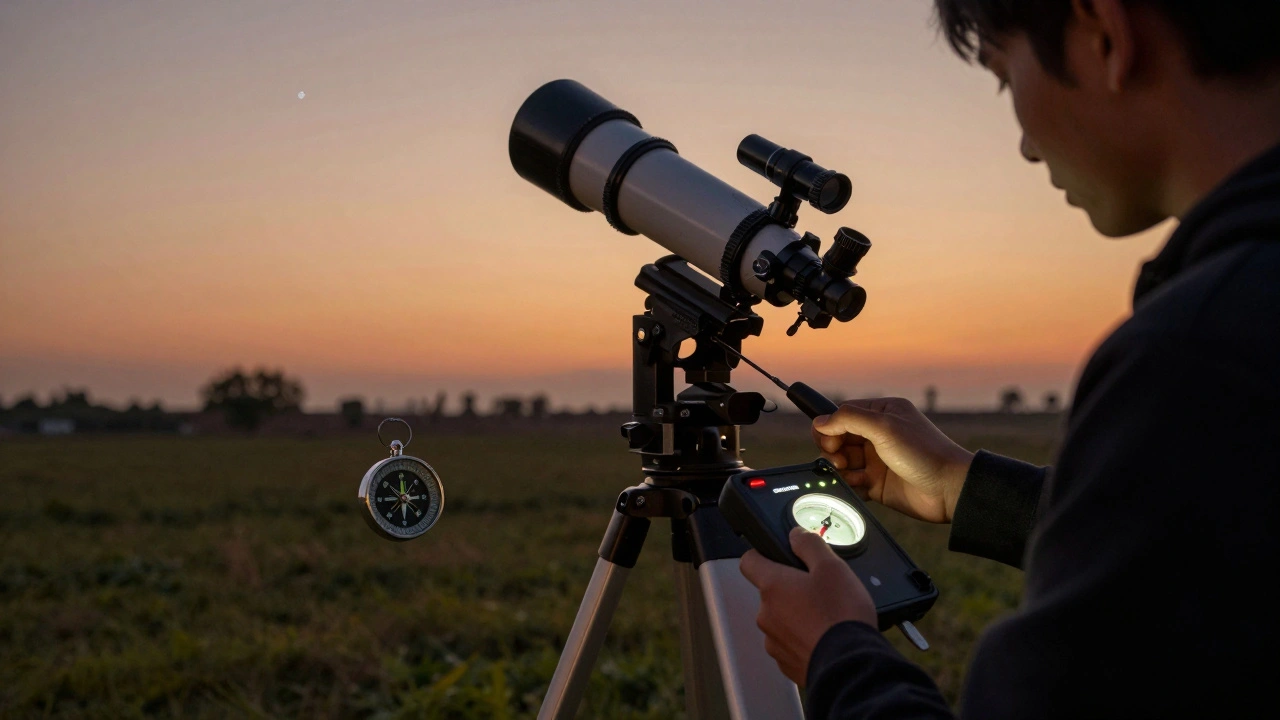
- Point the tripod north. In the Northern Hemisphere, the polar axis should face true north. Most mounts have a compass or a marking on the base. Don’t rely on your phone’s compass-it’s often off by 10° or more. Use a real compass or check an app like Stellarium to find true north.
- Turn on the mount and let it boot. Wait for the hand controller to finish its startup sequence. You’ll hear motors hum as it calibrates.
- Use fresh batteries. Weak power causes erratic movement. Even if the display lights up, the motors might stall mid-alignment.
These steps sound simple, but skipping them causes 70% of alignment failures in beginners. I’ve seen people try to align on a sloped driveway, with a dying 9V battery, and wonder why their scope won’t cooperate.
Step 1: Enter Your Location and Time
The mount needs to know where and when you are. It uses this to calculate where stars should be.
On the hand controller, select Setup → Location. You’ll see options:
- City Database: Scroll through the list and pick your nearest major city. If you’re in rural Ohio, pick Columbus. It’s close enough.
- Manual Entry: If your town isn’t listed, enter latitude and longitude. You can find this easily by searching your address on Google Maps. Click the spot, and the coordinates pop up. Use decimal format: 40.7128, -74.0060.
- Time: The mount should auto-fill this from your device’s internal clock. Double-check it. If it’s off by even 10 minutes, alignment gets messy.
Many beginners skip this step and just hit Enter on the default. Don’t. Even a 15-minute time error can throw off alignment by 4°. That’s the width of your pinky finger at arm’s length. You’ll miss your target entirely.
Step 2: Choose Your Alignment Stars
Most GoTo mounts use a two-star alignment. Some do three, but two is enough for beginners.
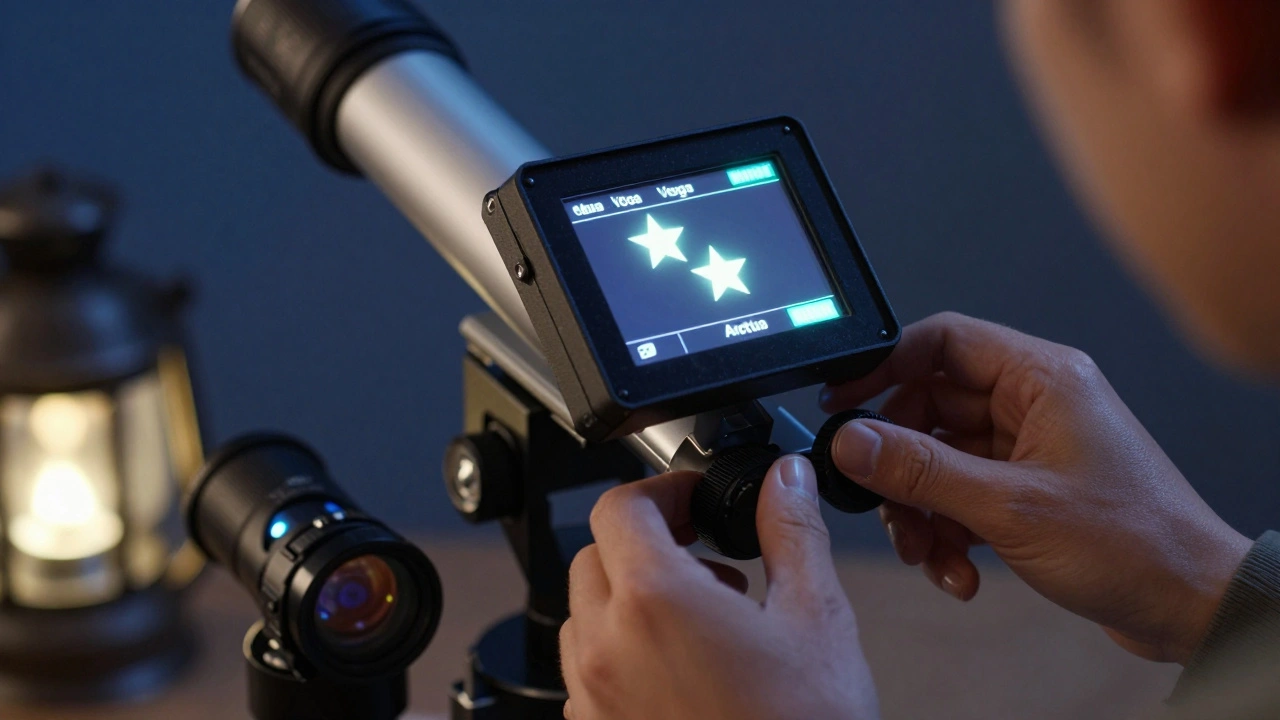
The mount will pick two bright stars for you. It usually picks one in the east and one in the south. Don’t fight it. Those stars are chosen because they’re easy to find and spread far apart in the sky. That gives the mount the best reference.
Common alignment stars:
- Vega (summer)
- Arcturus (spring)
- Polaris (north, good for reference but not ideal as a primary star)
- Sirius (winter)
- Capella (winter)
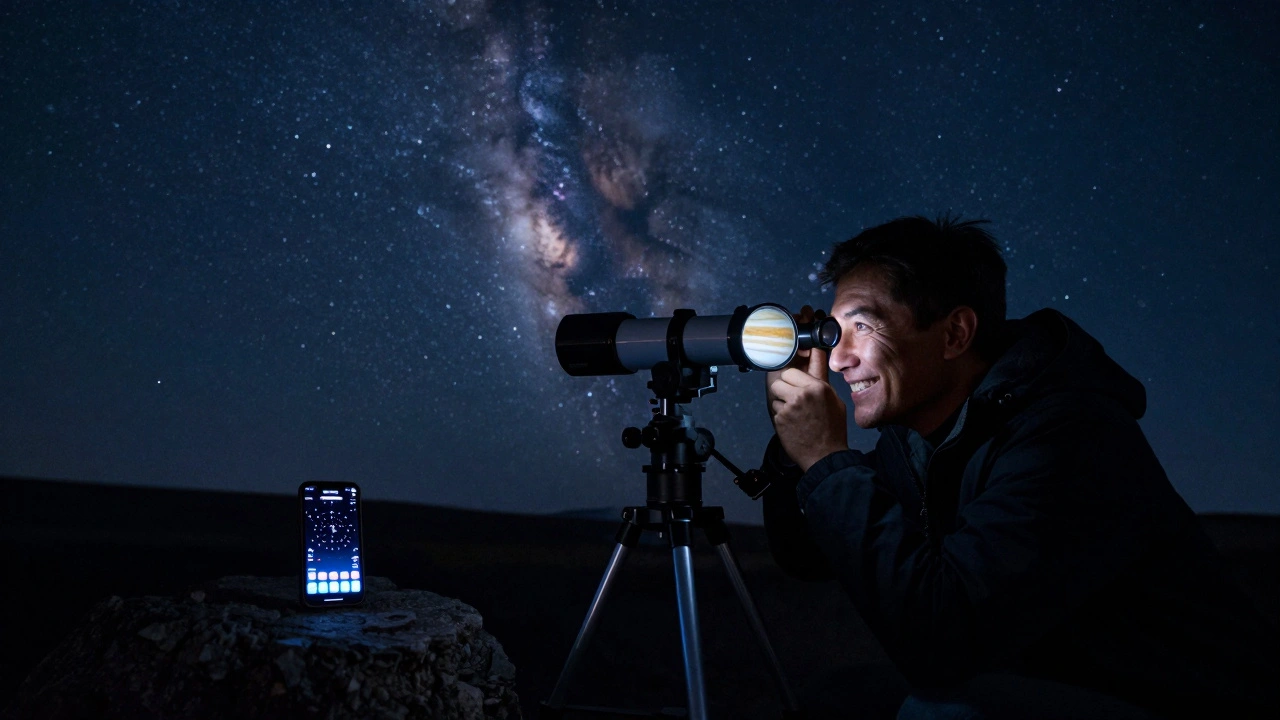
If you’re unsure, use a free app like SkySafari or Stellarium on your phone. Put it in night mode, point it at the sky, and see which stars are bright and high above the horizon. Avoid stars too close to the horizon-trees, buildings, or haze can confuse the mount.
Step 3: Center the First Star
When the mount prompts you to center the first star, use the hand controller’s arrow buttons. Move the telescope slowly. Don’t rush.
Use low power. Put in your longest focal length eyepiece-the one with the highest number, like 25mm or 32mm. It gives you the widest view, making it easier to find the star.
Center the star in the eyepiece. Not close. Not almost. Perfectly. Use the fine adjustment knobs if your mount has them. Then press Align on the controller. The mount will beep and move to the second star.
Why does centering matter? Because the mount uses the exact position of that star to calculate your orientation. If you’re off by half a degree, every object you chase afterward will be off by the same amount. It adds up fast.
Step 4: Center the Second Star
The mount slews to the second star. It might not be exactly on target. That’s normal. The mount is guessing based on your location and time.
Use the arrow keys again to center it. Same rules: low power, slow movement, dead center. Then press Align again.
At this point, the mount has locked in its orientation. It now knows which way is north, which way is up, and how the sky moves above you. You’re done.
Test Your Alignment
Don’t just assume it worked. Test it.
Choose a bright object that’s not one of your alignment stars. Jupiter, Saturn, or the Moon are great. Type its name into the hand controller and press GoTo.
If it shows up in the eyepiece, you’re golden. If it’s off by more than a few degrees, you might need to redo the alignment. Common causes:
- Wrong time or location entered
- Mount not level
- One star was poorly centered
- Strong wind or vibration
Most of the time, one quick retry fixes it. Don’t get frustrated. Even experienced users sometimes need two tries.
Common Mistakes (And How to Avoid Them)
- Using the wrong eyepiece: High magnification (like 10mm) makes finding stars harder. Start wide.
- Aligning during twilight: The sky should be dark enough to see the stars clearly. If you can barely see them, wait 15-20 minutes.
- Ignoring the polar alignment: For equatorial mounts, the polar axis must point near Polaris. For alt-azimuth mounts (most beginner GoTo mounts), just level and point north.
- Touching the telescope during alignment: Even a light nudge can throw off the sensors. Keep your hands off the tube once you start.
One user told me they aligned perfectly, then moved the scope 6 inches to get a better view-and suddenly everything was off. That’s because the mount’s sensors detect movement. If you move the tripod after alignment, you have to start over.
What If It Still Doesn’t Work?
If alignment keeps failing, check these:
- Software update: Many mounts have firmware updates. Check the manufacturer’s website. Outdated software causes odd behavior.
- Hand controller battery: Replace it. A weak controller can send bad signals.
- Calibrate motors: Some mounts have a Calibrate Motors option under Setup. Run it. It resets the internal tracking.
- Reset to factory settings: If all else fails, reset the mount. It erases your settings but often fixes hidden glitches.
Don’t give up. The first time I aligned a GoTo mount, I did it wrong three times. The fourth time, it worked. It’s a skill, not magic.
After Alignment: What to Do Next
Now that you’re aligned, try this:
- Find the Andromeda Galaxy. It’s a great first deep-sky target.
- Try the Orion Nebula. It’s bright, colorful, and easy to spot.
- Use the Sync function: If you manually center a star that’s not in the alignment list, press Sync. It tells the mount, "This is where I am," and improves accuracy.
Keep practicing. Alignment gets faster. After five tries, you’ll do it in under three minutes. Soon, you’ll be chasing planets, star clusters, and even faint galaxies without a second thought.
Do I need to align my GoTo mount every time I use it?
Yes, unless you leave your telescope set up permanently in one spot. Even then, moving it slightly or changing the time can throw off alignment. Most users align each session. It takes less than five minutes and ensures accuracy.
Can I align my GoTo mount during the day?
No. You need visible stars to align. Some advanced mounts can use the Sun or Moon, but that’s not recommended for beginners. Wait until after sunset when the sky is dark enough to see at least two bright stars.
Why does my GoTo mount drift after alignment?
Drift usually means the mount’s tracking rate is off. Check if you’re in the correct tracking mode-"Sidereal" for stars, "Lunar" for the Moon, "Solar" for the Sun. Also, make sure your time and location are exact. Poor polar alignment (on equatorial mounts) can also cause drift.
Is it okay to use a smartphone app to help find alignment stars?
Absolutely. Apps like SkySafari, Stellarium Mobile, or Star Walk are excellent for identifying stars. Just turn on night mode, avoid bright screen light, and use the app only to locate stars-not to control the telescope. The mount still needs manual centering.
Can I align with only one star?
Some mounts allow a one-star alignment, but it’s not reliable. The mount needs two reference points to calculate orientation in 3D space. One star gives you direction but not accuracy. Always use two stars unless you’re in an emergency situation, like a brief clear window.