6 Apr 2026
- 0 Comments
Quick Comparison: At a Glance
| Feature | Stellarium Desktop | Stellarium Web |
|---|---|---|
| Installation | Required (Local Install) | None (Browser-based) |
| Telescope Control | Full Support (ASCOM/INDI) | None |
| Offline Access | Yes | No |
| Custom Catalogues | Extensive (User-added) | Limited (Pre-set) |
| Performance | High (Uses GPU) | Variable (Browser dependent) |
The Powerhouse: Stellarium Desktop
If you treat astronomy like a serious hobby, the desktop version is your command center. This isn't just a map; it's a full-scale simulation of the universe. When you install Stellarium Desktop, you're getting a tool that utilizes your computer's graphics card to render millions of stars with high precision. One of the biggest wins here is the ability to go offline. Think about it: most of the best stargazing happens in "dark sky parks" or remote fields where cell service is a joke. If you rely on a web app, you're stuck the moment you lose 5G. The desktop app lives on your hard drive, meaning your star map stays active even in the middle of the desert. For those using motorized gear, the desktop version is the only way to go. It supports ASCOM and INDI, which are industry-standard protocols for controlling astronomical hardware. This means you can actually "slew" your telescope-clicking a star in the software and watching your physical telescope move to point exactly at it. For anyone into deep-sky imaging, this integration is non-negotiable.The Quick Fix: Stellarium Web
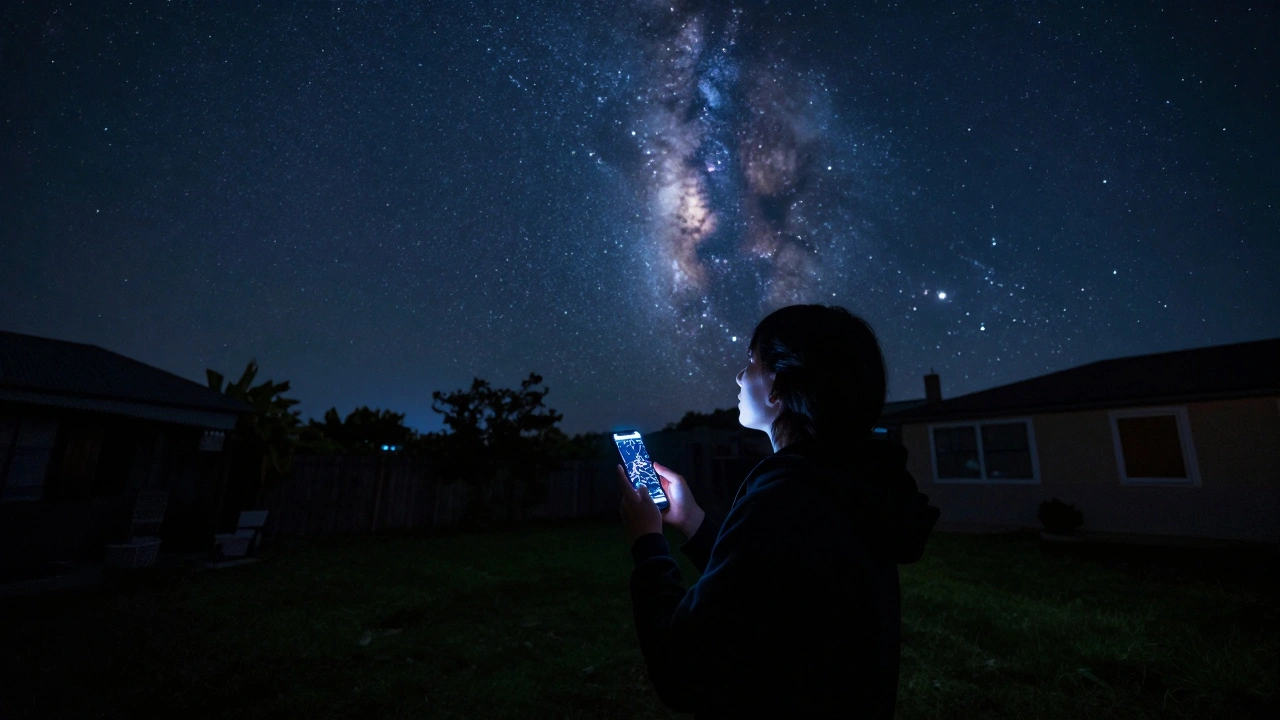
Now, let's talk about the web version. It's designed for the "I just want to know what that bright dot is" moment. If you're at a dinner party or just stepped outside for a second, opening a browser is way faster than booting up a dedicated program. Stellarium Web strips away the complex settings and gives you a clean, intuitive interface that works on your phone, tablet, or laptop without a single download. It's surprisingly snappy for a browser app. You get the basic time-travel features-meaning you can see where the planets will be next Tuesday-and the visual quality is impressive. However, you're working with a "curated" experience. You can't just drop in a custom star catalogue you found on a niche forum, and you can't tweak the atmosphere settings to match the exact humidity of your current location. It's a great tool for education and casual curiosity, but it lacks the surgical precision of the installed version.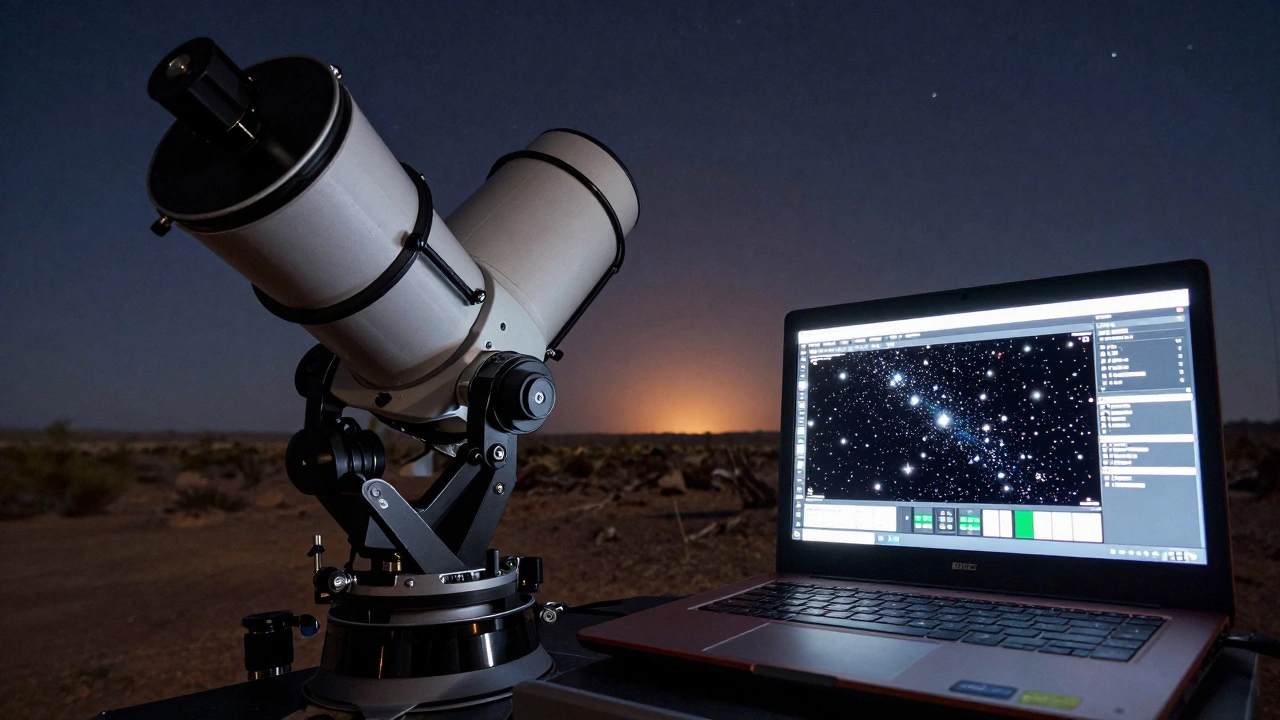
Deep Dive into Customization and Data
One area where the desktop version absolutely crushes the web version is data expansion. In the desktop app, you can download additional Star Catalogues, which allow you to see much fainter objects. If you're using a large aperture telescope, you'll want these extra catalogues to find the tiny, dim nebulae that the standard web version simply doesn't render. Beyond stars, the desktop version lets you add custom landscapes. If you live in a city with a specific skyline, you can often find a landscape file that mimics your horizon. This prevents the frustration of hunting for a star that is actually hidden behind a local hill or a skyscraper. The web version uses a generic horizon, which is fine for a quick look but annoying when you're trying to time the exact second a planet rises over your neighbor's roof.Which One Fits Your Gear?
Your choice really depends on what's sitting on your tripod. If you're using a simple pair of Binoculars or a manual Dobsonian telescope, the web version might actually be enough. You can use it as a digital reference, then manually nudge your telescope until the object is in view. It's lightweight and doesn't drain your battery as fast as a heavy desktop app would. But if you've invested in a GoTo Mount, the desktop version is mandatory. The ability to synchronize the software with your mount's coordinates removes the guesswork. Instead of spending twenty minutes searching for the Andromeda Galaxy, you spend two seconds. This is the difference between spending your night fighting with equipment and actually observing the cosmos.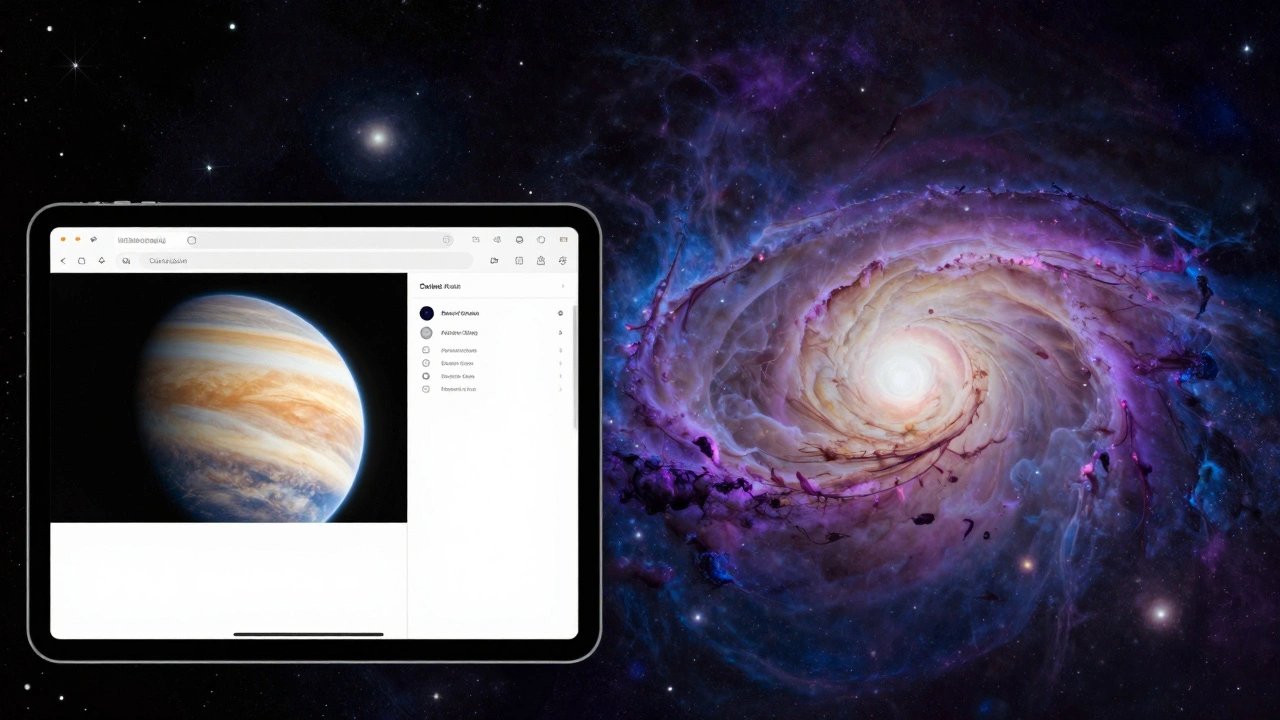
Performance and Hardware Realities
It's worth mentioning that the desktop version is a resource hog compared to the web version. Because it renders a full 3D environment with complex light physics, it needs a decent GPU. If you're running an old office laptop from 2015, the desktop app might stutter when you zoom in on the Milky Way. On the flip side, the web version's performance depends on your internet speed and your browser's RAM management. If your connection is spotty, you'll notice a lag when panning across the sky. For most people, the web version feels "faster" because there's no loading screen for the application itself, but the desktop version is more "stable" once it's running.Making the Final Call
If you're just starting out, start with the web version. It's an effortless way to get a feel for the night sky without any commitment. It's perfect for teaching kids about constellations or showing a friend where Mars is tonight. However, the moment you find yourself wanting more-more stars, more control, and the ability to work without a Wi-Fi signal-move to the desktop version. Most serious astronomers actually use both: the web version for quick checks during the day and the desktop version for the actual observation session at night.Is Stellarium Desktop completely free?
Yes, the core version of Stellarium Desktop is open-source and free to download. There is a paid "Plus" version available on some app stores, but that is primarily to support the developers; the functionality for the vast majority of users is identical to the free version.
Can I control my telescope with the web version?
No, the web version does not have the capability to communicate with hardware. To use features like telescope slewing or mount control, you must use the desktop version and install the necessary drivers like ASCOM or INDI.
Does the web version work on mobile phones?
Yes, Stellarium Web is optimized for mobile browsers. While it doesn't have the full feature set of the desktop app, it's a great way to identify stars on the go without installing a heavy app.
Which version is more accurate for professional use?
The desktop version is significantly more accurate because it allows for the installation of high-precision star catalogues and the fine-tuning of atmospheric refraction and location data, which are critical for professional astronomy.
Do I need a powerful computer for the desktop version?
You don't need a gaming rig, but a dedicated graphics card helps. If you have very low specs, the software will still work, but you might experience some lag when zooming into dense star fields or using high-resolution textures.