12 Feb 2026
- 0 Comments
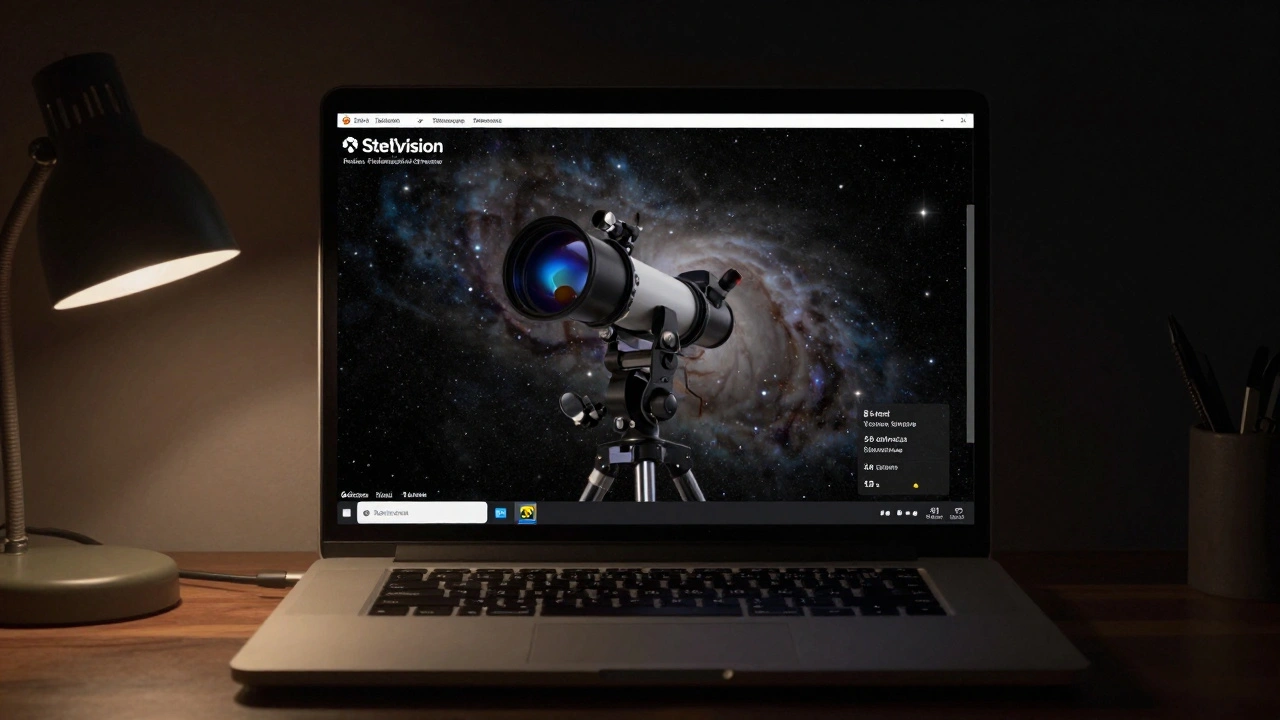
Ever wish you could point your telescope at a faint galaxy, but you’re stuck inside because of clouds? Or maybe you’re just starting out and want to learn where to find Jupiter before you even set up your gear? That’s where the Stelvision Telescope Simulator comes in. It’s not a real telescope. It doesn’t collect light or show you the stars. But for anyone serious about stargazing, it’s one of the most useful tools you’ll ever use.
What Is Stelvision Telescope Simulator?
The Stelvision Telescope Simulator is a desktop application built on the same engine as Stellarium, but with one big difference: it simulates exactly how your physical telescope sees the sky. You don’t just see where objects are-you see what they look like through your specific telescope and eyepiece setup. It takes your telescope’s aperture, focal length, mount type, and even the eyepiece you’re using, and renders a realistic view of the night sky as if you were looking through the lens right now.
It’s not a game. It’s not a fancy planetarium app. It’s a training tool. Think of it like a flight simulator for astronomers. You can practice finding Messier objects, test out different eyepieces, or even plan your next imaging session-all without stepping outside.
Core Features You Can’t Ignore
Stelvision doesn’t just show you stars. It shows you what those stars look like through your gear. Here’s what makes it stand out:
- Realistic Field of View-Input your telescope’s focal length and your eyepiece’s apparent field of view, and Stelvision calculates the true field. You’ll see exactly how much sky fits in your eyepiece, including edge distortion if you’re using a wide-angle design.
- Telescope-Specific Limiting Magnitude-It doesn’t just show you faint stars. It filters them based on your telescope’s light-gathering power. A 6-inch reflector won’t show you the same faint galaxies as an 11-inch SCT. Stelvision knows that.
- Mount Simulation-If you have an alt-azimuth mount, you’ll see how the sky rotates around your view. If you use an equatorial mount, you can simulate tracking accuracy and how long you can expose before star trailing kicks in.
- Atmospheric Conditions-You can set seeing conditions (1-5), transparency levels, and even light pollution. A 5th magnitude limit under city skies? It’ll show you only what you’d actually see.
- Planetary Detail-Jupiter’s cloud bands, Saturn’s Cassini Division, Mars’ polar caps-they’re rendered based on your telescope’s resolution limits. A 4-inch refractor won’t show fine details on Mars, and Stelvision won’t pretend it does.
These aren’t just visual tweaks. They’re physics-based calculations. The app uses real optical formulas to simulate diffraction limits, exit pupil size, and image scale. It’s not guessing. It’s computing.
How It Helps Beginners
If you just bought your first telescope, you might be overwhelmed. Where’s M42? How do I center a planet without losing it? Stelvision lets you practice without pressure.
Try this: Set your location to Portland, Oregon. Set the date to tonight. Pick your telescope model-say, a Celestron NexStar 6SE. Now choose your 25mm Plossl. Zoom out. Look at the Orion constellation. Find M42. Now, simulate a 10mm eyepiece. Watch how the field shrinks. See how much harder it is to keep M42 centered? That’s what you’ll feel in the dark. Now you’re prepared.
It also teaches you about magnification. Many beginners think bigger magnification = better. Stelvision shows you the truth: if your exit pupil drops below 0.5mm, the image gets dim and shaky. It tells you when you’re pushing too far.
Advanced Users: Planning and Optimization
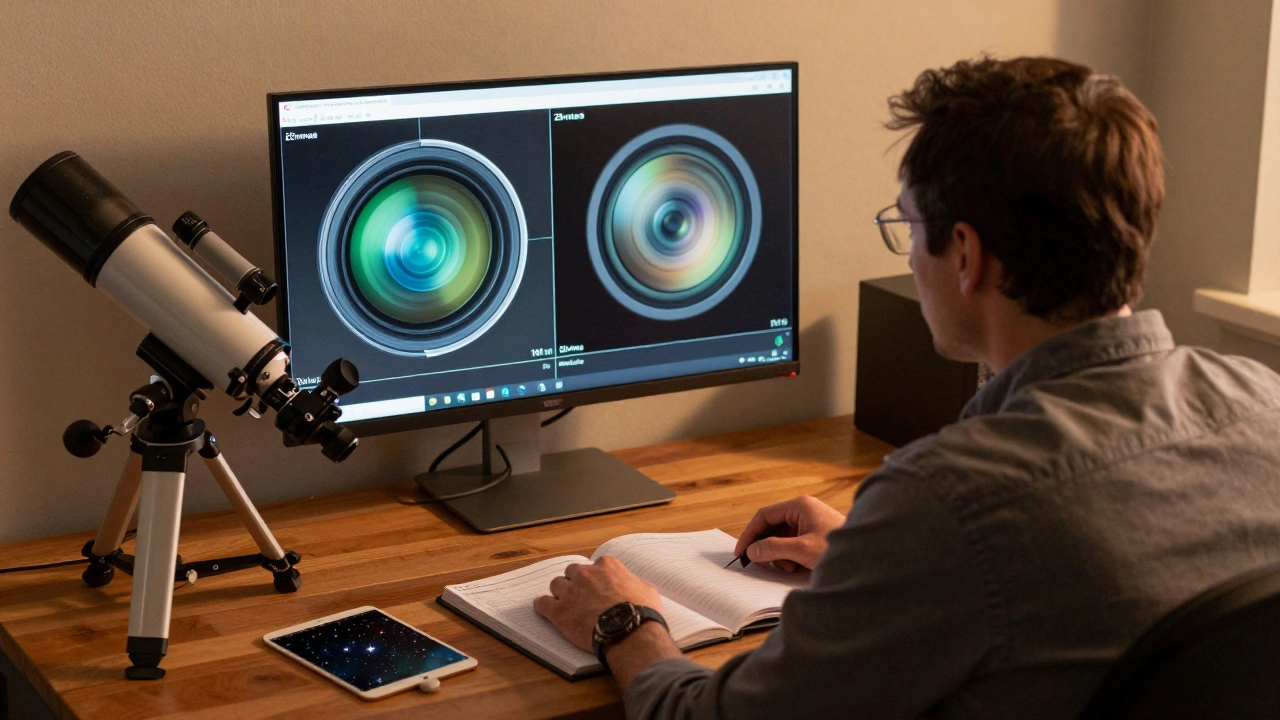
Experienced observers use Stelvision to test setups before a session. Want to know if your 2-inch 30mm eyepiece will fit in your 8-inch Dobsonian? Plug it in. See the field. Check for vignetting. No need to haul gear outside.
Imagers love it too. You can simulate the field of view of your camera and telescope combo. See if Andromeda fits in your sensor. Check if your guide star will be within the guide camera’s range. It saves hours of trial and error.
One user in Oregon tracked his progress over six months. He started with a 70mm refractor and a 10mm eyepiece. He used Stelvision to simulate upgrading to a 130mm f/5 reflector with a 15mm eyepiece. The simulator showed him his new setup would double the light grasp and cut the magnification by 30%. He bought the scope the next week.
Setup and Compatibility
Stelvision runs on Windows, macOS, and Linux. The interface is clean, with sliders for all key parameters. You can save your telescope profiles. If you own three scopes, you can switch between them with a click.
It supports hundreds of telescope and eyepiece models from major brands: Celestron, Meade, Orion, Sky-Watcher, and more. If your model isn’t listed, you can manually enter aperture, focal length, and eyepiece specs. The app doesn’t need internet. It works offline.
It’s not a mobile app. There’s no phone version. It’s designed for desktop use while planning sessions. You load it before you head out, not while you’re under the stars.
Limitations to Keep in Mind
Stelvision is powerful, but it’s not magic. It can’t simulate:
- Atmospheric turbulence beyond basic seeing ratings
- Optical aberrations like coma or astigmatism from specific lenses
- Color rendition differences between eyepiece designs
- How your eyes adapt to darkness
It’s a simulation, not a replacement for real observing. But it’s the closest thing you’ll get without a telescope in your hands.
Why It Beats Generic Planetarium Apps
Apps like Stellarium or SkySafari show you what’s up. Stelvision shows you what you’ll see. That’s the difference.
Stellarium might show you a 10th magnitude star near M57. But if your scope can’t reach that magnitude, you’ll waste time hunting for it. Stelvision hides it. It only shows you what your gear can deliver. That’s the kind of precision that saves nights.
One user said it best: “I used to think I was bad at finding things. Turns out, I was just using the wrong eyepiece. Stelvision showed me that before I ever pointed my scope at the sky.”
Where to Get It
Stelvision is a paid application, available directly from the developer’s website. It costs $49.99 USD. There’s a free trial with full functionality for 14 days. You can test it with your own gear before buying.
Updates are free for life. The last major update in 2025 added support for new telescope models, improved planetary rendering, and a new “session planner” mode that lets you schedule observing targets based on rise and set times.
Real-World Use Case: A Night in Portland
On February 15, 2026, a clear night rolled in over Portland. A hobbyist had been planning to observe NGC 253, the Sculptor Galaxy. She pulled up Stelvision. She set her location, date, and time. She selected her 8-inch Dobsonian with a 14mm eyepiece. The simulator showed a faint, elongated smudge-exactly as she’d seen it before. She switched to a 10mm. The galaxy grew brighter but shrank in size. She realized she’d get better contrast with the 14mm. She grabbed her gear, went outside, and found it in under three minutes. She didn’t need a guide chart. She didn’t need help. She just needed to know what her scope could do.
Final Thoughts
The Stelvision Telescope Simulator isn’t flashy. It doesn’t have augmented reality or social features. It doesn’t try to be everything. It does one thing, and it does it better than anything else: it shows you exactly what your telescope will show you. For beginners, it’s a confidence builder. For veterans, it’s a precision tool. Either way, it turns guesswork into knowledge.
If you own a telescope-or plan to-this app isn’t optional. It’s essential.
Is Stelvision Telescope Simulator free?
No, Stelvision costs $49.99 USD, but it offers a full-featured 14-day free trial. After purchase, you get lifetime updates at no extra cost. There’s no subscription model.
Does Stelvision work with my telescope brand?
Yes. Stelvision includes preloaded profiles for over 300 popular telescope and eyepiece models from brands like Celestron, Meade, Sky-Watcher, Orion, and more. If your model isn’t listed, you can manually enter your telescope’s aperture, focal length, and eyepiece specs. The app works with any optical setup.
Can I use Stelvision on my phone or tablet?
No. Stelvision is designed as a desktop application for Windows, macOS, and Linux. It’s meant to be used before you go out to observe-not under the stars. There is no mobile version, and the interface isn’t optimized for touch screens.
How accurate is the simulation?
Extremely accurate for its purpose. Stelvision uses real optical physics to calculate field of view, magnification, limiting magnitude, and image scale. It doesn’t simulate atmospheric turbulence or optical aberrations in detail, but it correctly filters stars and objects based on your telescope’s light-gathering power. In practice, users report that what they see in Stelvision matches what they see through their eyepiece within 90-95% accuracy.
Does Stelvision require an internet connection?
No. Stelvision works completely offline. All star data is stored locally, and no login or account is required. You can use it in remote locations without signal, making it ideal for dark-sky trips.
Can I simulate astrophotography with Stelvision?
Yes, but with limits. Stelvision can simulate the field of view of your camera and telescope combo, helping you determine if a target fits on your sensor. It can also estimate exposure time based on aperture and sky brightness. However, it does not simulate noise, color calibration, or post-processing effects. For imaging planning, it’s excellent for framing-just not for final image quality.