16 Aug 2026
- 0 Comments
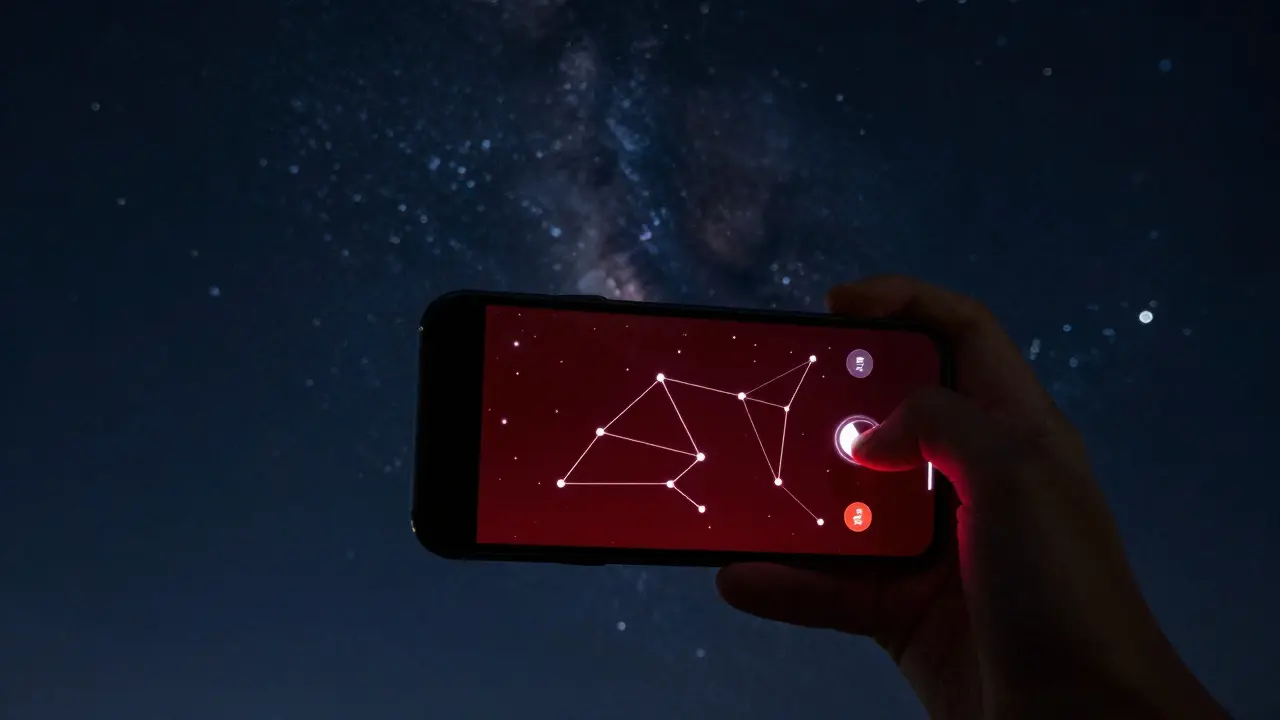
Staring up at the Milky Way is a rare luxury these days. Light pollution washes out the stars for most of us, and even in rural areas, the sheer number of objects makes it hard to know what you're looking at. This is where Augmented Reality (AR) sky apps come in. These mobile tools overlay digital labels, lines, and facts onto your real-time view of the night sky through your phone's camera. They turn a blank black canvas into an interactive map, helping you identify constellations, planets, and satellites instantly.
However, there is a catch. If you use these apps incorrectly, you can ruin your own experience-and annoy others nearby. The bright white light from your screen destroys your night vision, making faint stars disappear. You also risk blinding fellow stargazers or disturbing wildlife. The goal isn't just to point your phone at the sky; it's to learn how to use technology as a bridge to observation, not a barrier to it.
How AR Sky Apps Actually Work
Modern AR sky apps rely on a combination of sensors rather than just computer vision. Your smartphone uses the GPS to determine your exact location, the compass to figure out which direction you are facing, and the gyroscope to track the tilt of the device. By combining this data with astronomical algorithms, the app calculates exactly where each star should be in your field of view.
Once the position is calculated, the app draws a virtual layer over your camera feed. This layer includes:
- Star charts: Lines connecting stars to form recognizable shapes.
- Labels: Names of stars, constellations, and deep-sky objects like nebulae.
- Real-time tracking: As you move your phone, the overlay shifts to match the actual movement of the sky.
This technology has evolved significantly. Early apps required you to hold your phone perfectly still to align the stars. Today, apps like Stellarium Mobile or Star Walk offer smooth, lag-free experiences that feel almost magical. But remember: the app is a guide, not a substitute for your eyes. It tells you *where* things are, but you still need to see them.
The Night Vision Problem: Why Bright Screens Kill Stargazing
Here is the biggest mistake beginners make: they blast their screens at full brightness. Human eyes have two types of light-sensitive cells: rods and cones. Cones handle color and detail in bright light, while rods handle low-light vision. Rods take about 20 to 30 minutes to fully adapt to darkness. When you expose your eyes to a bright white screen, those rods reset immediately. Suddenly, the faint stars that were visible before vanish.
To use AR sky apps responsibly, you must manage your screen output. Here is how to do it without losing the image quality needed for identification:
- Lower the brightness: Set your phone’s brightness to the lowest level where you can still read the text. Usually, this is around 10-20%.
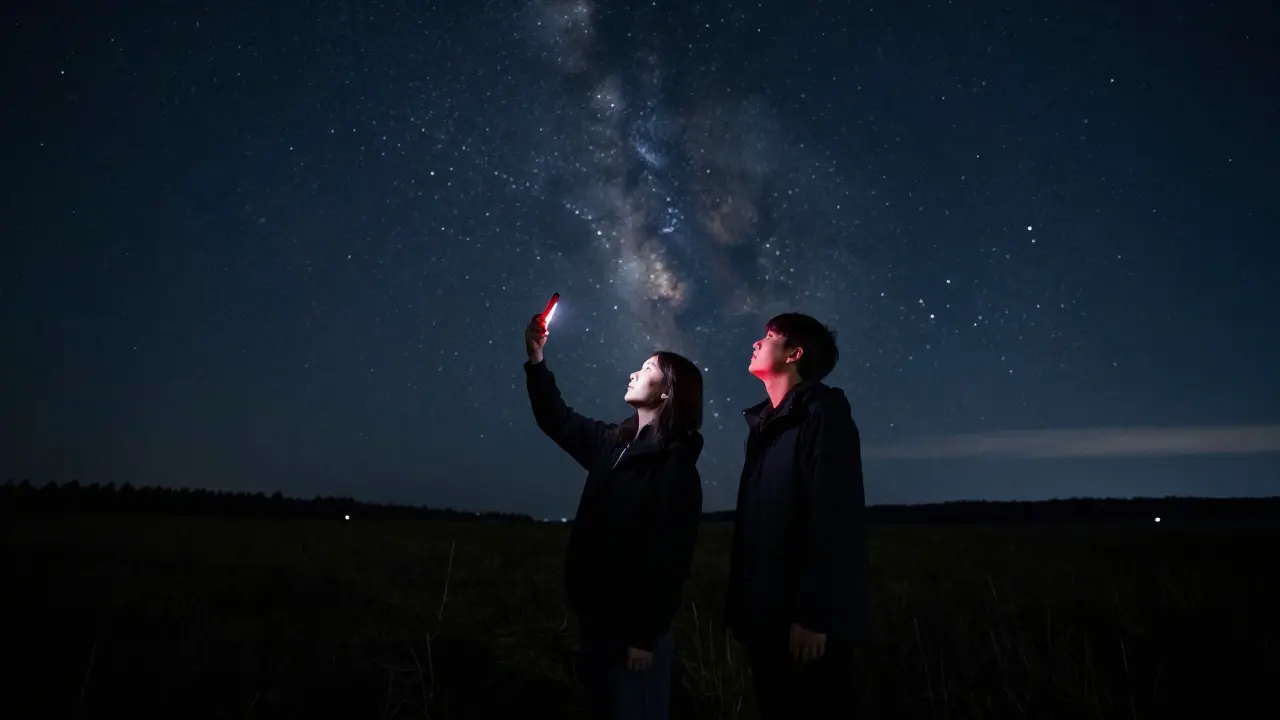
- Use Red Mode: Most serious astronomy apps have a "Red Filter" or "Night Mode." Red light has a longer wavelength and affects rod cells much less than blue or white light. This allows you to keep your dark adaptation intact while reading the labels.
- Limit Screen Time: Use the app to find the object, then put the phone away. Look at the sky with your naked eye to appreciate the actual beauty of the stars.
If your app doesn’t have a built-in red filter, you can wear red-tinted glasses or place a piece of red cellophane over your screen. It looks silly, but it works wonders for preserving your night vision.
Choosing the Right App for Your Needs
Not all sky apps are created equal. Some are free but cluttered with ads; others cost money but offer cleaner interfaces and better accuracy. When choosing an app, consider these factors:
| App Name | Cost Model | Key Feature | Best For |
|---|---|---|---|
| Stellarium Mobile | Freemium | Highly accurate simulation, large database | Serious learners who want depth |
| Star Walk 2 | Freemium | Beautiful visuals, easy-to-use interface | Casual users and kids |
| SkyView | Free | No account needed, simple AR overlay | Quick identifications on the go |
| Orion | Subscription | Advanced planning tools, telescope sync | Astrophotographers and telescope owners |
For most people starting out, Stellarium Mobile is a solid choice because it is open-source and highly reliable. If you prefer a more polished look, Star Walk 2 offers a friendlier experience. Just be wary of subscription traps-many free apps lock essential features behind paywalls after a few days.
Responsible Etiquette: Being a Good Neighbor in the Dark
Using a phone at night is different from using it in a library. In the dark, light behaves differently. A small amount of light creates a huge visual impact. Here are the rules of thumb for responsible stargazing:
- Face Away from Others: Never shine your screen toward other people. Even if you think it’s dim, it will blind them. Turn your back to the group when checking your phone.
- Keep Volume Down: If the app has sound effects or notifications, turn them off. Silence is part of the experience.
- Watch Your Feet: It’s hard to see uneven ground in the dark. Use a flashlight with a red filter if you need to navigate, but keep it pointed down.
- Respect Wildlife: Many animals, including birds and insects, are active at night. Sudden bright lights can disorient them. Keep your screen focused on the sky, not the ground.
If you are in a public park or campground, ask permission before setting up. Not everyone wants to be startled by a glowing rectangle in the dark. A quick nod or verbal check goes a long way in building community goodwill.
From App to Eye: Making the Transition
The ultimate goal of using an AR app is to stop needing it. Once you’ve identified a constellation like Orion or Cassiopeia, try this exercise:
- Find the pattern on your screen.
- Note the shape and the brightest stars.
- Put the phone in your pocket.
- Look up and try to find the same pattern with your naked eye.
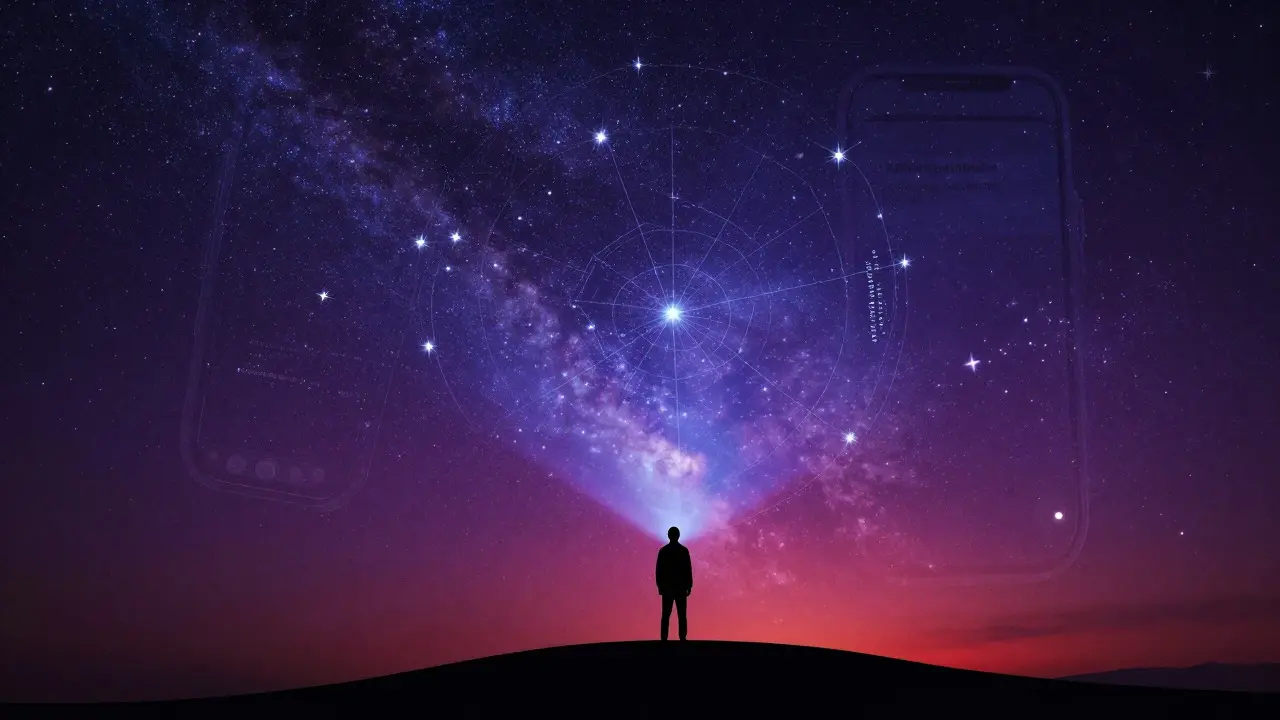
This trains your brain to recognize stellar patterns naturally. Over time, you’ll start seeing constellations without any digital aid. This is the true skill of stargazing. The app is just the training wheels.
Also, don’t forget to look for non-star objects. Planets like Jupiter and Saturn appear as bright, steady points of light that don’t twinkle. The Moon, Mars, and Venus are often visible to the naked eye. Your app can help you pinpoint them, but seeing them clearly requires clear skies and patience.
Troubleshooting Common Issues
Even with the best setup, things can go wrong. Here’s how to fix common problems:
- Misaligned Stars: If the stars on your screen don’t match the real sky, your phone’s compass might be magnetized. Move away from metal objects (like cars or fences) and recalibrate the compass by waving your phone in a figure-eight motion.
- Battery Drain: Using the camera and GPS simultaneously drains battery fast. Bring a power bank. Cold weather also reduces battery life, so keep your phone warm in your pocket until you’re ready to use it.
- Screen Reflection: If your screen is too reflective to see the sky, lower the brightness further or use a matte screen protector. Alternatively, look at the screen first, memorize the position, and then look up.
Remember, technology is a tool. Don’t let it become a crutch. The magic of the night sky lies in its vastness and silence. Use your AR sky app to unlock that mystery, then step back and let the universe speak for itself.
Do I need a telescope to use AR sky apps?
No. AR sky apps work perfectly well with the naked eye. They are designed to help you identify objects visible without optical aids. However, some advanced apps can connect to telescopes via Wi-Fi or Bluetooth to control them, but that is an optional feature.
Which is better: white screen or red screen for stargazing?
Red screen is significantly better for preserving night vision. Blue and white light suppress melatonin production and reset your dark adaptation quickly. Red light has a longer wavelength and minimizes this effect, allowing you to keep seeing faint stars while reading information.
Can I use my phone in the rain or cold?
It depends on your phone’s rating. Most modern smartphones are splash-resistant but not waterproof. In heavy rain, use a protective case. In extreme cold, batteries drain faster and screens may slow down. Keep your phone warm in an inner pocket and only take it out when necessary.
What if the app shows objects I can’t see?
This usually happens due to light pollution or atmospheric conditions. Cities have bright horizons that wash out faint stars. Clouds, humidity, or dust can also reduce visibility. Check the transparency of the sky and try again on a clearer night, preferably away from city lights.
Are free AR sky apps accurate enough?
Yes, for casual use. Free apps like SkyView or the basic version of Stellarium Mobile are highly accurate for identifying major constellations and planets. Paid versions often add more detailed catalogs of deep-sky objects and better user interfaces, but the core functionality remains robust in free tiers.