12 Sep 2026
- 0 Comments
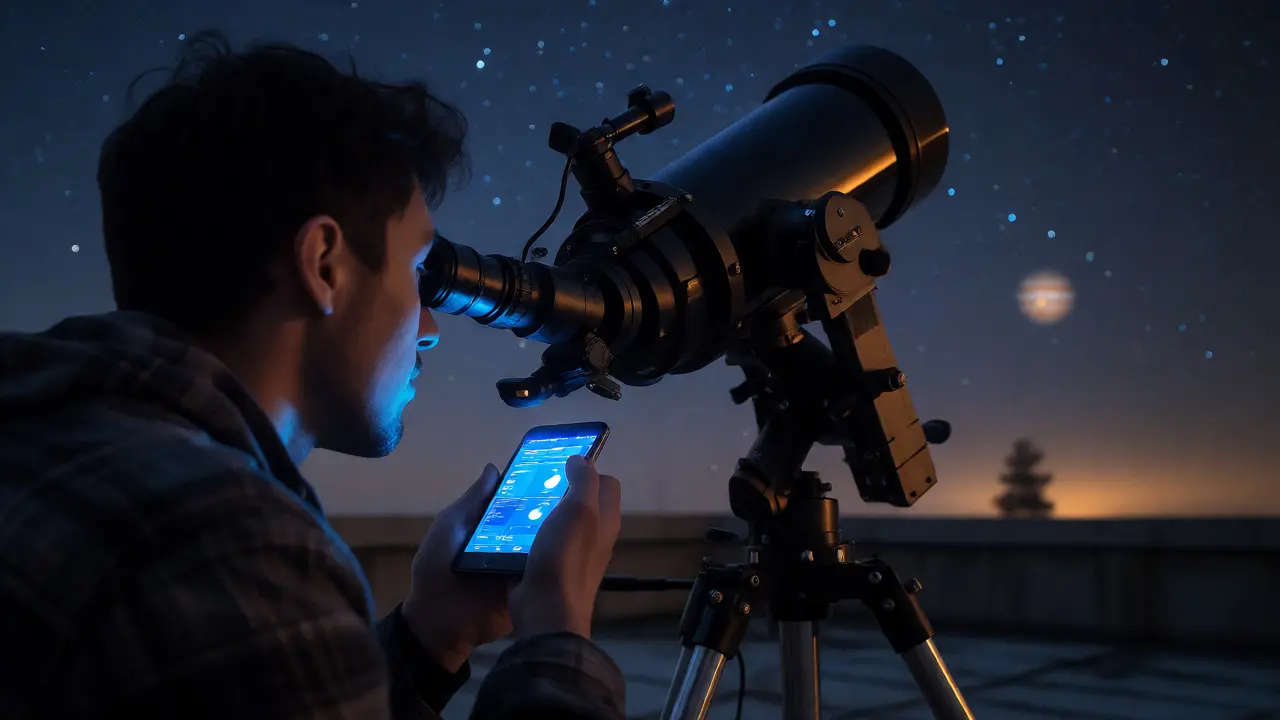
You spent three hours on the roof last night. You captured a stunning view of Jupiter’s cloud belts through your 8-inch Dobsonian. But when you try to write it up today, you’re staring at a blank screen. Did you use the 25mm or the 10mm eyepiece? Was the seeing steady or turbulent? What was the moon phase exactly?
This is where data logging apps change the game. They aren't just digital notebooks; they are tools that capture the context of your observation in real-time. Whether you're an amateur astronomer sketching Mars or a photographer tweaking exposure settings, these apps turn fleeting moments into structured data. No more guessing. No more lost details.
Why Traditional Notebooks Fail Modern Observers
Pen and paper have their charm. There’s something tactile about writing down "M31 visible" with a pencil under starlight. But let’s be honest: handwriting gets messy when your fingers are numb from cold. More importantly, paper doesn’t sync. If you want to analyze how your observing frequency correlates with weather patterns over five years, you need to manually enter every single entry into a spreadsheet. That’s a weekend project you probably won’t finish.
Digital logging solves this by automating the boring parts. Most modern apps pull GPS coordinates, time, and even local weather conditions directly from your phone. You focus on what you see; the app records where and when you saw it. For serious observers, this distinction matters. It allows you to spot trends-like noticing that deep-sky objects appear sharper two hours after sunset during specific months-without doing any math yourself.
Core Features Every Observer Needs
Not all note-taking apps are built for the field. A generic to-do list app won’t cut it when you’re trying to log the magnitude of a variable star. You need specific features designed for visual and imaging workflows. Here’s what actually matters:
- Offline Capability: This is non-negotiable. You’re often in remote locations with zero cell service. The app must save data locally and sync later.
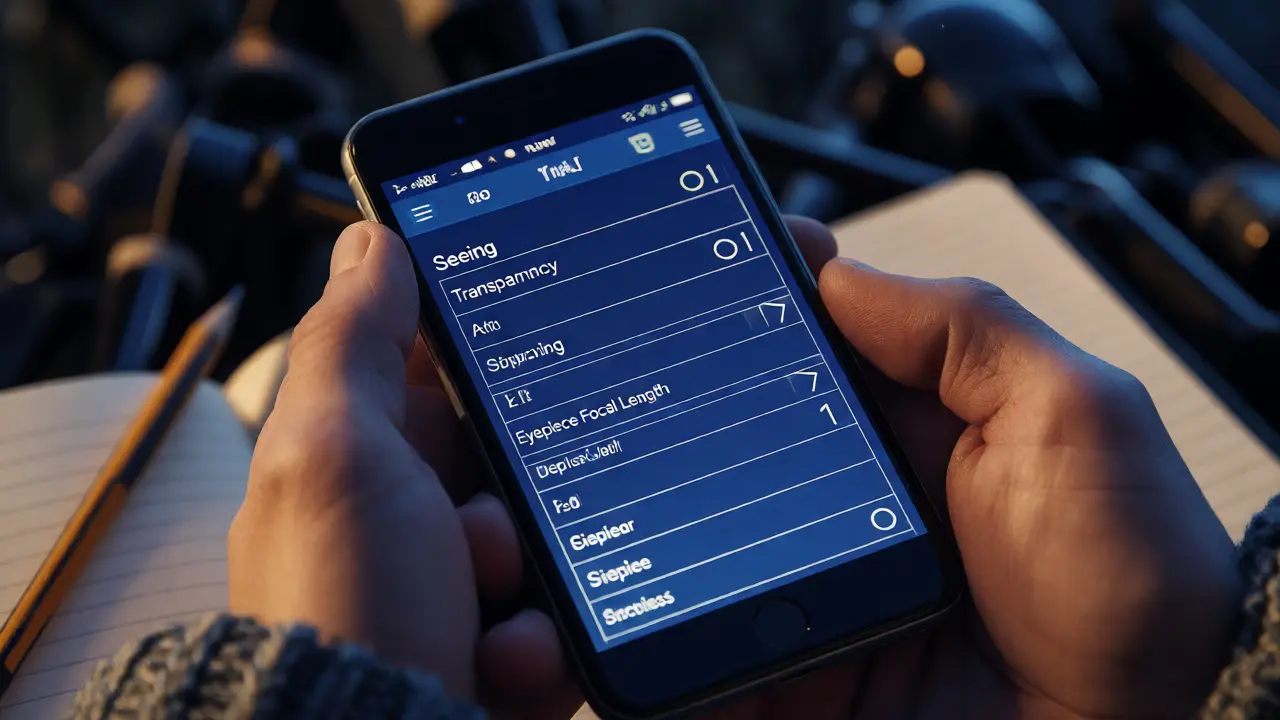
- Structured Fields: Free-text boxes are okay for notes, but you need dropdowns for telescope type, eyepiece focal length, and filter usage. This structure makes filtering your history possible later.
- Image Integration: For imaging sessions, the app should allow you to attach thumbnails or full-resolution files directly to the log entry. Linking a photo to its metadata (ISO, exposure time) saves massive amounts of post-processing time.
- Sky Position Tools: Some advanced apps integrate with sky charts. Tapping a star in the app can auto-fill its RA/Dec coordinates into your log. This reduces transcription errors significantly.
Top Contenders for Visual Astronomy Logs
If you primarily observe visually, your needs differ from those who image. You care about seeing conditions, transparency, and subjective descriptions of color and contrast. Two apps stand out in this niche.
Stellarium Mobile isn't just a planetarium; its journal feature is robust. It allows you to create entries linked to specific celestial events. When you log an observation of Saturn, it automatically pulls the rise/set times and current altitude for that date. This context is invaluable when reviewing old logs. You realize why that one night in February felt so disappointing-the target was barely above the horizon.
Another strong option is AstroBin. While known for its online community, its mobile logging interface is surprisingly streamlined. It encourages detailed reporting on equipment and atmospheric conditions. Because it connects to a global database, you can compare your seeing reports against others in your region. Did everyone else report poor transparency on October 14th? Then it wasn’t your eyesight; it was the smoke from distant wildfires.
| App Name | Primary Focus | Offline Support | Weather Integration | Best For |
|---|---|---|---|---|
| Stellarium Mobile | Visual Observation & Sky Charts | Yes | Built-in Ephemeris | Visual observers wanting chart integration |
| AstroBin | Community Sharing & Reporting | Limited (Cache) | Manual Entry + API | Observers who want social feedback |
| SharpCap Pro (with Log) | Imaging & Live Stacking | Yes (Desktop/Mobile) | Via Connectors | Deep-sky imagers needing hardware control |
| Notes (iOS/Android Native) | General Purpose | Yes | No | Minimalists who prefer total control |
Streamlining Imaging Session Metadata
For astrophotographers, data logging is less about describing colors and more about capturing technical parameters. Manually typing "60-second exposure, ISO 800, Gain 100" for every sub-frame is tedious and error-prone. Fortunately, many imaging suites now include native logging features.
NINA (N.I.N.A.) is a popular open-source sequencer for Windows users. It automatically generates a comprehensive log file (.json or .csv) containing every detail of your imaging run. From guiding error statistics to temperature fluctuations of your camera sensor, nothing is missed. When you process images later, you can cross-reference artifacts in the stack with specific timestamps in the log. Did a satellite streak across frame 42? The log tells you exactly when it happened.
Mobile users might look at SharpCap Pro. Originally desktop software, its mobile version offers live stacking and basic session logging. It’s particularly useful for planetary imaging, where rapid changes in seeing require quick adjustments. Logging which filter produced the sharpest frames helps you build a personal profile of your rig’s performance under different wavelengths.
Building a Personal Knowledge Base
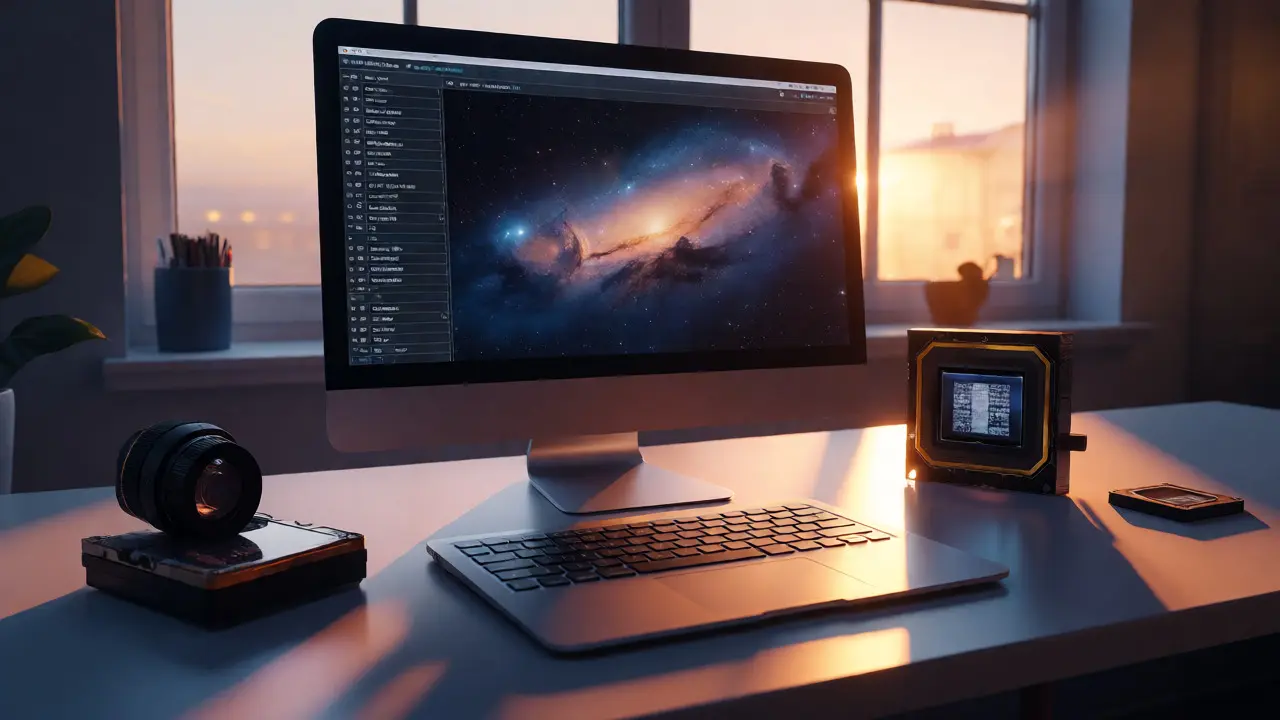
Collecting data is only half the battle. The real value comes from analyzing it. Over time, your logs become a personal knowledge base. You stop relying on general advice like "observe planets when they are high." Instead, you rely on your own data: "My 10-inch scope resolves Cassini Division best when the air temperature is below 5°C and humidity is under 40%." To make this work, consistency is key. Create a template for your entries. Decide beforehand what fields are mandatory. Maybe you always record:
- Target Name
- Time Start/End
- Seeing (Scale 1-5)
- Transparency (Scale 1-5)
- Equipment Used
- Subjective Notes
Pitfalls to Avoid in Digital Logging
Technology introduces new problems. Battery drain is the biggest enemy. Running a GPS-enabled app with the screen on consumes power rapidly. Always carry a power bank. Better yet, configure your app to use battery-saving modes when not actively inputting data.
Data silos are another issue. If you use one app for visual logs and another for imaging files, merging them is painful. Try to stick to one ecosystem. If you shoot RAW images, ensure your logging app can reference the filename or timestamp so you can link the log entry to the actual file on your computer.
Finally, don’t let logging ruin the experience. If you spend more time tapping screens than looking through the eyepiece, you’ve lost the point. Set a timer. Spend ten minutes observing, then two minutes logging. Or wait until you break down the gear to enter major details, using voice memos in between for immediate impressions.
Do I need a specialized app for visual astronomy?
Not strictly, but specialized apps save significant time. Generic note apps lack structured fields for astronomical terms like 'seeing' or 'transparency,' making historical analysis difficult. Specialized apps also automate coordinate entry and ephemeris data, reducing manual errors.
Can data logging apps work without internet access?
Yes, most reputable astronomy apps offer offline functionality. They store data locally on your device and sync to the cloud once connectivity is restored. Always verify offline capabilities before purchasing, especially if you observe in remote areas.
How do I protect my data privacy in these apps?
Review the app's privacy policy carefully. Many free apps monetize by collecting user data. Look for options to export your data in standard formats (CSV, JSON) so you retain ownership. Consider using local-only storage solutions if privacy is a top concern.
Is voice-to-text accurate enough for astronomical terms?
It varies. Standard speech recognition often struggles with proper nouns like 'Andromeda' or 'Betelgeuse.' However, it handles common phrases well. Always proofread transcriptions immediately after recording to correct misheard names or numbers.
What is the best way to back up my session logs?
Use the 3-2-1 rule: keep three copies of your data, on two different media types, with one offsite. Export your logs regularly to a cloud service and a physical hard drive. Don't rely solely on the app's internal backup system.