5 Mar 2026
- 0 Comments
When you look up at the Moon on a clear night, you see craters, mountains, and dark plains-but do you know what they’re called? Most amateur astronomers can spot the big ones: Tycho, Copernicus, Mare Tranquillitatis. But the real challenge comes when you’re trying to identify the smaller, lesser-known features. That’s where lunar mapping software and planetarium tools come in. They don’t just show you where the Moon is-they help you name what you’re seeing, track changes, and even plan your next observing session.
Why Moon Mapping Isn’t Just for Scientists
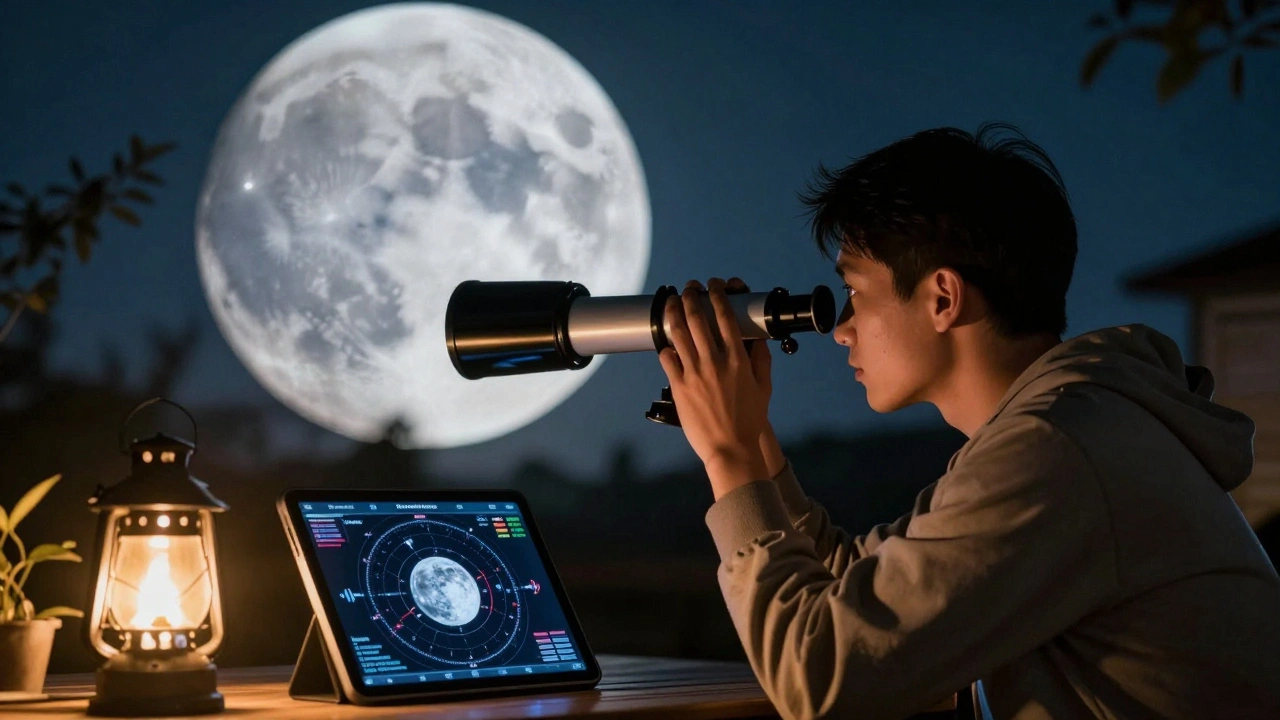
You don’t need a PhD to map the Moon. In fact, some of the most detailed lunar observations come from backyard astronomers using affordable gear. A 6-inch telescope, a decent eyepiece, and a clear night are all you need to start. But without reference tools, you’re guessing. Was that a tiny crater near the edge of the mare? Or just a shadow? That’s where software fills the gap.Modern planetarium programs like Stellarium, SkySafari, and Cartes du Ciel aren’t just star charts. They’re packed with lunar data-thousands of named features, coordinates, diameters, and even historical notes. When you sync your telescope or just use the software on a tablet beside your eyepiece, you can point at a feature and instantly see its name, depth, and who named it. Some tools even overlay lunar selenographic coordinates, so you can match what you see to official maps.
How Planetarium Software Identifies Lunar Features
These programs work by combining three things: accurate positional data, detailed lunar atlases, and real-time tracking. Here’s how it breaks down:- Positional accuracy: The software calculates the Moon’s exact orientation (libration, phase, and libration angle) for your location and time. On March 5, 2026, for example, the Moon is at 94% illumination with a libration of +4.2° east. That tiny tilt changes which features are visible.
- Lunar feature database: Each program includes data from the International Astronomical Union’s official lunar nomenclature. That’s over 1,000 craters, 200 mountains, 50 rilles, and 20 mare regions with verified names.
- Overlay and labeling: You can turn on labels, size indicators, and even color-coded elevation data. Some tools show you which features are best seen during specific lunar phases-for example, the crater Aristarchus pops out under low-angle sunlight just after first quarter.
For example, if you spot a bright, rayed crater near the southern limb, the software can tell you it’s Tycho. But if you’re looking at a cluster of small craters just east of the Mare Nubium, it might be the Clavius Group-a name you’d never guess without the app.
Real-World Use: From Your Backyard to Lunar Patrol
In 2024, the Lunar Reconnaissance Orbiter team published a study showing that amateur observers using planetarium software contributed over 800 verified observations of transient lunar phenomena. These included temporary glows, haze, and shadow shifts near crater rims. Most of these reports came from people using SkySafari on iPads, synced to their GoTo telescopes.One observer in rural Montana used Stellarium to track a faint, elongated feature near the edge of Mare Humorum. He noticed it shifted slightly over three nights. He uploaded his notes to a citizen science portal. Months later, researchers confirmed it matched a previously unrecorded rille-now listed in the Lunar Gazetteer as Rima Vostok.
You don’t need to make a discovery like that to benefit. Just knowing the name of the feature you’re looking at turns a vague observation into a meaningful one. It’s the difference between saying, “I saw a big crater,” and saying, “I observed the central peak of Ptolemaeus under 18x magnification.”
Top Lunar Mapping Tools for Amateur Observers
Not all planetarium software handles the Moon equally. Here’s what works best right now:| Software | Lunar Feature Count | Telescope Sync | Mobile-Friendly | Free? |
|---|---|---|---|---|
| Stellarium Open-source planetarium software with detailed lunar cartography, updated monthly from IAU data | 1,200+ | Yes (via ASCOM) | Yes (Stellarium Mobile) | Yes |
| SkySafari 7 Premium app with real-time lunar feature identification, AR overlay, and detailed topographic shading | 1,800+ | Yes (Wi-Fi/Bluetooth) | Yes (iOS/Android) | No ($20-$60) |
| Cartes du Ciel Linux/Windows desktop tool favored by advanced users for custom lunar atlases and annotation | 1,500+ | Yes (via ASCOM) | No | Yes |
| TheSkyX Professional-grade suite with high-res lunar maps, elevation profiles, and automated feature tracking | 2,100+ | Yes (full integration) | No | No ($300+) |
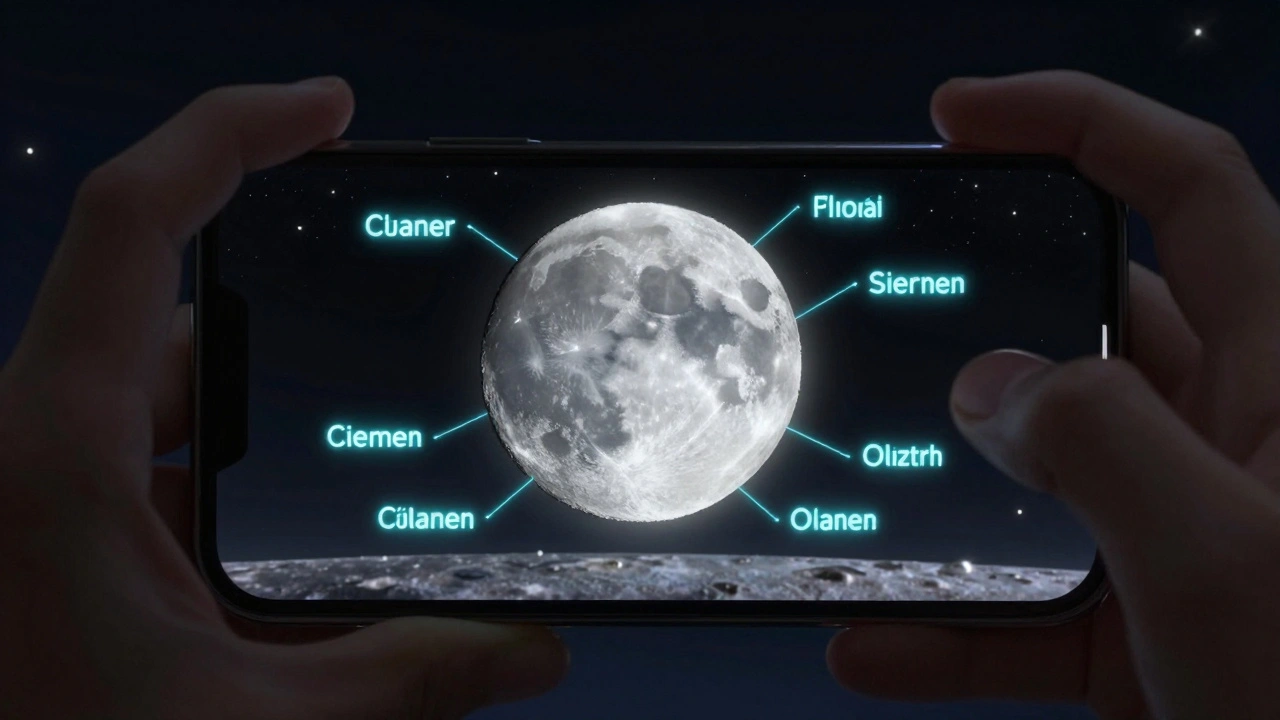
For beginners, Stellarium Mobile is the easiest entry point. It’s free, works offline, and has a simple toggle to show lunar names. If you’re serious about mapping, SkySafari 7’s augmented reality mode lets you hold your phone up to the sky and see labels floating over the Moon’s surface. That’s a game-changer for learning.
How to Start Mapping the Moon Tonight
You don’t need to wait for a perfect night. Here’s a quick plan:- Download Stellarium or SkySafari on your phone or tablet.
- Set your location and time to match tonight’s conditions (March 5, 2026, 9:30 PM local time).
- Enable lunar labels and turn off star names to reduce clutter.
- Find the terminator-the line between day and night on the Moon. That’s where shadows make craters and mountains stand out.
- Use your telescope to scan along the terminator. Each time you see a feature, check the app to identify it.
- Take a screenshot of the app with the feature highlighted. Save it with a note: “March 5, 2026, 9:45 PM, 80x, Tycho’s rays visible.”
Do this for just 20 minutes, and you’ll have identified 10-15 features. Repeat next week, and you’ll start noticing patterns. That’s how lunar mapping becomes a habit-not a chore.
What You Can Do With Your Lunar Map
Once you’ve started mapping, you’re not just observing-you’re contributing. Here’s what you can do next:- Join the Association of Lunar and Planetary Observers (ALPO)-they have a dedicated lunar section and publish amateur observations.
- Track transient phenomena-glows, hazes, or color shifts. These are rare but real. Software helps you document timing and location.
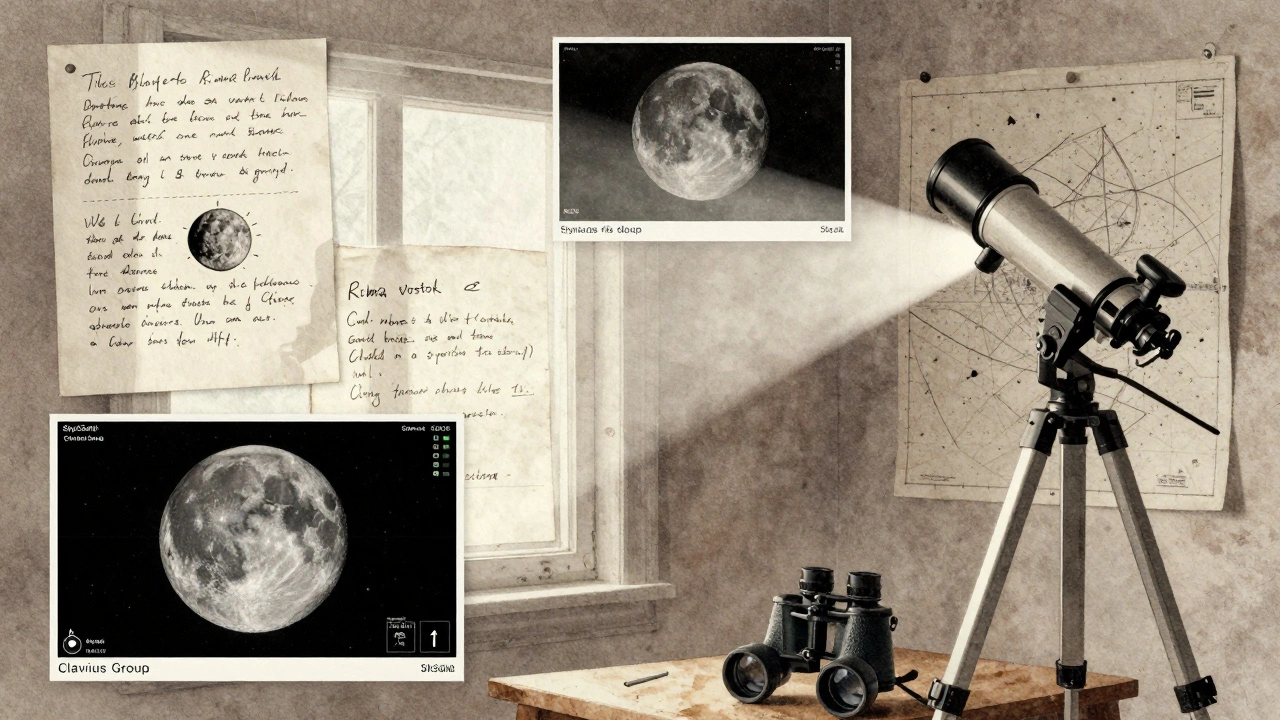
- Create your own atlas-export screenshots and label them. Over time, you’ll build a personal reference guide.
- Compare with LRO imagery-NASA’s Lunar Reconnaissance Orbiter has mapped the Moon in 50cm resolution. You can overlay your observations with real satellite photos.
One observer in Oregon spent six months mapping the area around the crater Plato. He noticed that every time the Sun’s angle was just right, a faint line appeared inside the rim. He shared it with a lunar scientist at the University of Arizona. They confirmed it matched a known fault line-previously only visible in orbital data. Now it’s in their published paper.
Common Mistakes to Avoid
Even experienced observers slip up. Here are the top three errors:- Ignoring libration: The Moon wobbles slightly. What’s visible one night might be hidden the next. Always check your software’s libration value.
- Over-relying on labels: If you only look at the app and never look through the eyepiece, you’re missing the point. Use the software as a guide, not a crutch.
- Using outdated software: Some free apps still use 2010-era lunar data. The IAU updates names regularly. Make sure your app syncs with current data.
Also, don’t confuse lunar features with Earth-based geography. The term “Mare” means sea-but these are dried lava plains, not water. Knowing that helps you understand why they’re dark and flat.
Where This Leads
Lunar mapping isn’t just about naming craters. It’s about connecting with the Moon in a deeper way. When you know the name of a feature, you start to care about its story. Tycho wasn’t just a crater-it was named after a Danish astronomer who died in 1601. Copernicus wasn’t just a shape-it was a place where scientists believe lava once surged. That context turns observation into exploration.And in a world where screens dominate our attention, spending an hour under the stars, matching what you see to what the software shows, is a quiet kind of magic. You’re not just using tools-you’re becoming part of a centuries-old tradition of mapping the heavens.
Can I use planetarium software without a telescope?
Yes. You can use apps like Stellarium Mobile or SkySafari just with your eyes or binoculars. The software still shows you where features are, what they’re called, and when they’re best seen. Many amateur observers start this way before upgrading to telescopes.
Is lunar mapping software accurate enough for serious observation?
Absolutely. Modern software uses data from NASA’s Lunar Reconnaissance Orbiter and the IAU’s official lunar nomenclature database. The positional accuracy is within 1 arcsecond-better than most amateur telescopes can resolve. It’s the standard used by both professionals and serious amateurs.
What’s the difference between a lunar map and a planetarium app?
A lunar map is a static image-like a printed chart of the Moon’s surface. A planetarium app is dynamic: it shows the Moon as it appears right now, from your location, at this exact time. It adjusts for libration, phase, and orientation. That’s why apps are far more useful for real-time observation.
Do I need an internet connection to use lunar mapping software?
No. Most apps allow you to download lunar data and maps for offline use. Once installed, you can use them anywhere-even in remote areas without cell service. Just make sure to update the data every few months.
Can I contribute my lunar observations to science?
Yes. Organizations like the Association of Lunar and Planetary Observers (ALPO) and the British Astronomical Association accept amateur lunar reports. You can submit your observations, photos, and notes. Even small details-like a shadow changing shape-can help researchers understand lunar geology.