16 Aug 2026
- 0 Comments
Missing Mercury is frustrating. It hugs the Sun so closely that most people only see it as a fleeting dot in twilight or not at all. But every few months, this elusive planet pulls away from the solar glare to its maximum distance, an event known as a greatest elongation. If you want to actually see it, you need more than just luck; you need precise timing and location data. That’s where planet simulators come in. These tools turn complex orbital mechanics into simple visual guides, helping you pinpoint exactly when and where to look.
Why Greatest Elongation Matters for Observers
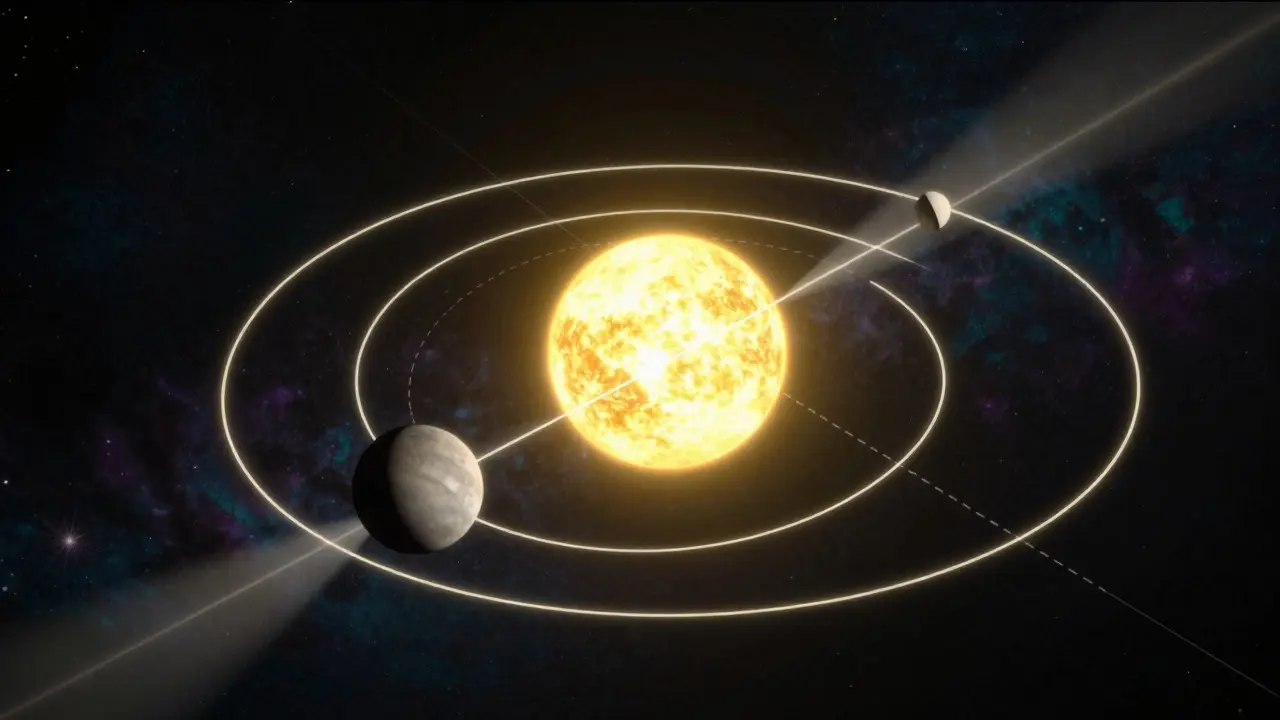
Greatest elongation is the moment when Mercury appears farthest from the Sun in our sky. At this point, the angle between the Sun and Mercury is at its peak, typically ranging from 18 to 28 degrees. This separation is critical because it places Mercury high enough above the horizon to be visible during daylight or twilight, rather than getting lost in the bright glare near the horizon. Without this specific alignment, Mercury remains hidden in the Sun's brightness for most of its orbit.
There are two types of elongations: eastern and western. An eastern elongation means Mercury is visible after sunset in the west, while a western elongation means it is visible before sunrise in the east. Knowing which type is occurring helps you plan your evening or morning routine. For instance, if you live in the Northern Hemisphere, eastern elongations are generally easier to observe because the western sky often has fewer obstructions than the eastern horizon, which might be blocked by mountains or buildings.
How Planet Simulators Simplify Planning
Planet simulators, such as Stellarium, SkySafari, or TheSkyX, use precise ephemeris data to calculate the position of celestial objects for any given time and place. Instead of manually calculating orbital periods and declinations, you simply input your coordinates and date. The software then renders a realistic view of the night sky, showing Mercury’s altitude, azimuth, and separation from the Sun. This eliminates guesswork and ensures you don’t waste time looking in the wrong part of the sky.
These tools also account for atmospheric refraction and local topography. In a city like Portland, Oregon, tree lines and hills can block low-altitude planets. A good simulator lets you import digital elevation models (DEM) to show exactly how much of the sky is visible from your specific backyard. This level of detail is crucial because even a difference of five degrees in altitude can mean the difference between seeing Mercury clearly and losing it behind a row of Douglas firs.
Step-by-Step Guide to Using Simulation Software
- Select Your Location: Input your latitude and longitude. For accuracy, use GPS coordinates from your phone or a mapping service. If you’re observing from a specific site, mark it directly on the map interface.
- Set the Date and Time: Choose the date closest to the predicted greatest elongation. Set the time to either civil twilight (when the Sun is 6 degrees below the horizon) or nautical twilight (12 degrees below), depending on your preference for light levels.
- Identify Mercury’s Position: Locate Mercury on the simulated sky map. Note its altitude (height above the horizon) and azimuth (compass direction). Ideally, you want an altitude of at least 15 to 20 degrees for easy viewing with binoculars or a small telescope.
- Check for Obstructions: Overlay local terrain data if available. Look for trees, buildings, or mountains that might block the view. If the path is obstructed, try shifting your observation time by 30 minutes earlier or later to find a clearer window.
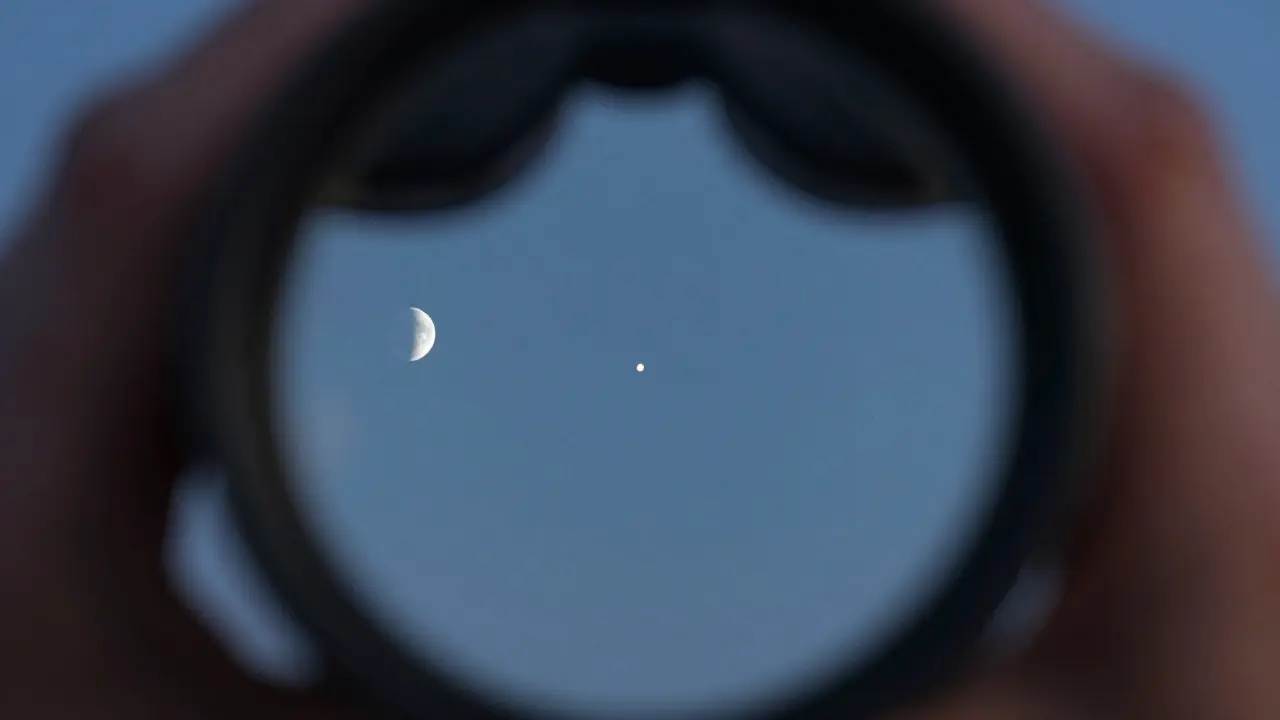
- Verify Atmospheric Conditions: While simulators don’t predict weather, they can show the Moon’s phase and position. A bright Moon near Mercury will wash out the view, so check if lunar interference is minimal during your chosen time slot.
Choosing the Right Observation Window
Timing is everything. Even on the day of greatest elongation, Mercury moves quickly across the sky due to its fast orbital velocity. You have a limited window-often just 45 to 90 minutes after sunset or before sunrise-where the planet is high enough and the sky is dark enough for comfortable viewing. Using a simulator, you can animate the sky over a 2-hour period to see exactly when Mercury clears the horizon and when it begins to dip back down. This animation feature is invaluable for planning your exact start time.
Consider the season as well. In summer, the ecliptic plane sits at a shallow angle to the horizon in the Northern Hemisphere, meaning Mercury may never get very high. In winter, the angle is steeper, allowing Mercury to reach higher altitudes. Simulators automatically adjust for these seasonal variations, giving you a realistic preview of what the sky will look like from your specific latitude.
| Software Name | Best Feature for Elongations | Platform Availability | Cost Model |
|---|---|---|---|
| Stellarium | Real-time rendering with accurate twilight calculations | Windows, macOS, Linux, iOS, Android | Free (Open Source) |
| SkySafari Pro | Comprehensive ephemeris tables and photo mode | iOS, Android, macOS | Paid (One-time purchase) |
| TheSkyX | Advanced astrophotography planning and deep-sky catalog integration | Windows, macOS | Paid (Subscription/Tiered) |
Common Pitfalls to Avoid
One major mistake observers make is relying solely on the date of greatest elongation without checking the actual altitude. In some years, the geometry results in a low-altitude elongation, making Mercury difficult to spot even on the "best" day. Always verify the altitude in your simulator. Another pitfall is ignoring the Moon. If a crescent Moon is nearby, it can add glare that makes Mercury harder to see. Check the lunar distance in your simulation and aim for times when the Moon is set or rising well after/before Mercury’s optimal window.
Also, don’t forget about atmospheric transparency. On humid days, especially in coastal areas like the Pacific Northwest, low-altitude stars and planets can appear dim or distorted. Try to observe when the humidity is lower, typically later in the evening when the air dries out. Simulators can help you pick the latest possible time within your viewing window to maximize clarity.
Enhancing Your Experience with Binoculars and Telescopes
Once you’ve identified the best time and location using your simulator, choose the right equipment. Binoculars (10x50 or 7x50) are excellent for spotting Mercury because they provide a wide field of view, making it easy to locate the planet against the twilight sky. Once found, you can switch to a small telescope (60mm or larger) to see the phases of Mercury, similar to the Moon. The terminator line-the boundary between the lit and unlit portions-is a stunning detail that confirms you’re looking at the correct object.
If you plan to take photos, use your simulator to determine the exact focal length needed to capture Mercury along with nearby stars. Many simulators offer a "photo mode" that simulates how a camera sensor will see the scene, accounting for exposure times and star trails. This helps you avoid overexposing the bright twilight sky while still capturing the faint details of the planet.
Frequently Asked Questions
What is the best app to track Mercury’s greatest elongation?
Stellarium is widely regarded as the best free option due to its accuracy and ease of use. For mobile users, SkySafari Pro offers superior ephemeris tables and a user-friendly interface. Both allow you to simulate the sky for any date and location, making them ideal for planning observations.
How high above the horizon should Mercury be for easy viewing?
An altitude of at least 15 to 20 degrees is recommended for comfortable viewing with binoculars or a small telescope. Below 10 degrees, atmospheric distortion and ground glare can make the planet difficult to distinguish from background noise.
Can I see Mercury during the day?
Yes, but it requires careful planning. During greatest elongation, Mercury is visible in the bright twilight or early daylight. Use a simulator to find the exact time when the sky is dark enough for the planet to stand out but bright enough to see the horizon clearly. Binoculars are essential for daytime viewing to reduce the field of view and increase contrast.
What is the difference between eastern and western elongation?
Eastern elongation occurs when Mercury is east of the Sun, visible after sunset in the western sky. Western elongation occurs when Mercury is west of the Sun, visible before sunrise in the eastern sky. The visibility depends on your hemisphere and local horizon conditions.
Do I need a telescope to see Mercury?
No, binoculars are sufficient to spot Mercury during greatest elongation. However, a telescope allows you to see the planet’s phases and craters, providing a much more detailed and rewarding experience. Start with binoculars to locate the planet, then switch to a telescope for close-up views.