9 Apr 2026
- 0 Comments
Key Takeaways for Simulating Skies
- The Bortle Scale ranges from Class 1 (pristine dark sky) to Class 9 (inner-city sky).
- Planetarium software uses these values to determine which stars and nebulae remain visible against the background glow.
- Correctly setting your software's light pollution allows you to manage expectations for what your equipment can actually capture.
- Simulation tools help you find "dark sky sites" without spending hours driving to a random field.
What Exactly is the Bortle Scale?
Before you twist any knobs in your software, you need to understand what you're simulating. Bortle Scale is a nine-level numeric scale that describes the night sky's brightness based on human observation. It was created by John Bortle in 1989 to give astronomers a common language. Instead of saying "it's pretty dark here," you can say "this is a Class 3 site," and everyone knows exactly what that means.
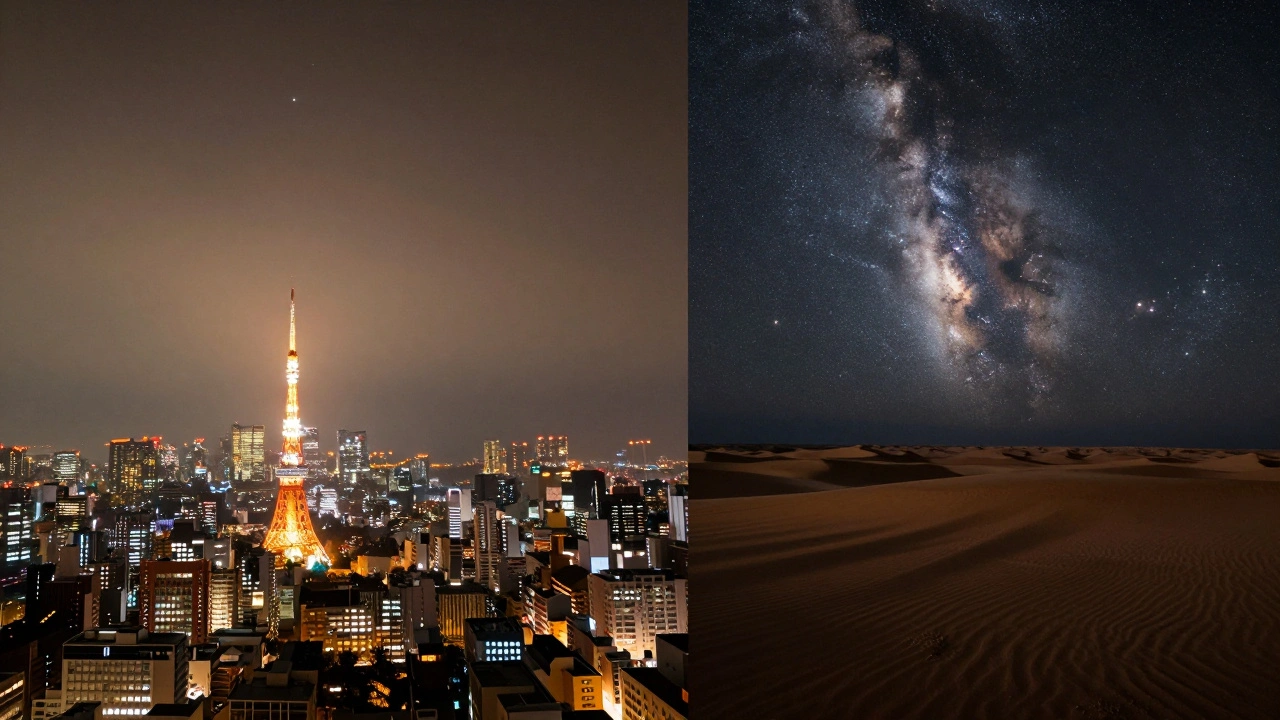
In a Class 1 site, the sky is so dark that the Zodiacal Light (sunlight reflecting off interplanetary dust) is clearly visible. By the time you hit Class 9, the sky is so bright that only the moon and perhaps the brightest stars, like Sirius, are visible. When you adjust this in a simulator, you are essentially telling the program to add a "noise layer" of light over the stars. This mimics the way artificial light from street lamps and buildings scatters in the atmosphere, washing out the fainter details of the cosmos.
Integrating Bortle Values into Planetarium Software
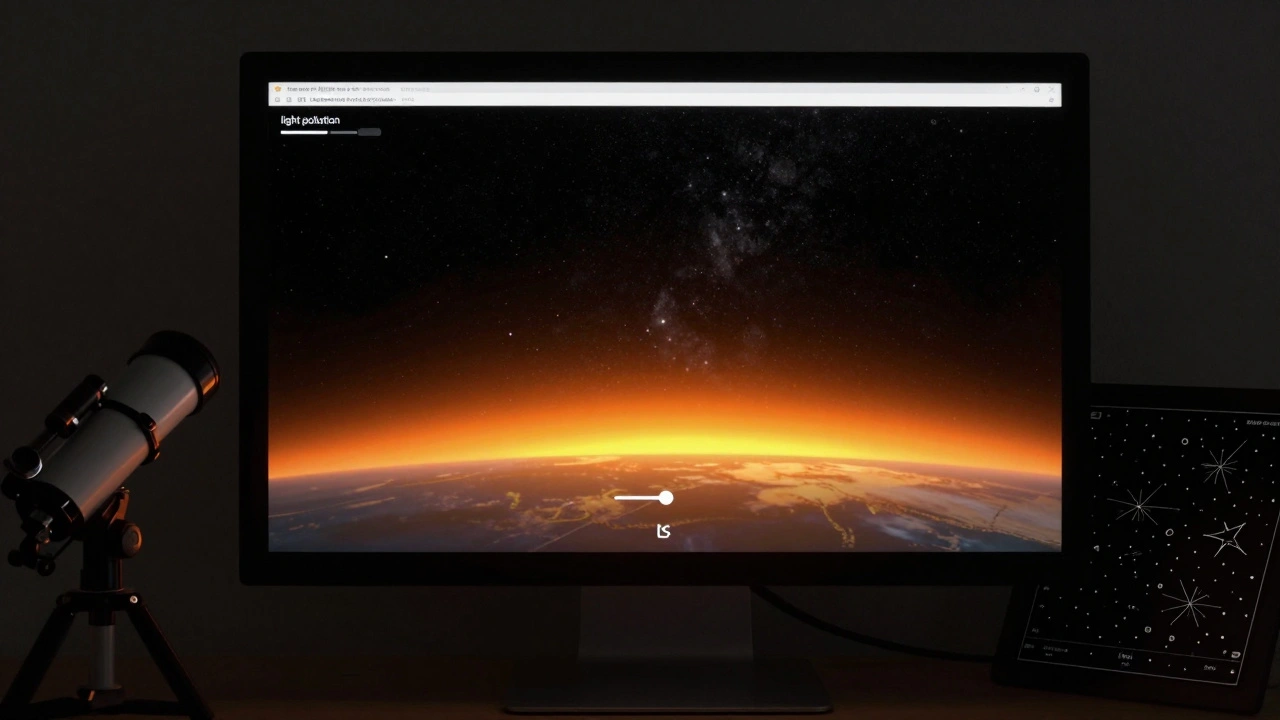
Most modern tools like Stellarium is a free, open-source planetarium software that depicts your night sky, allow you to tweak the atmospheric settings. To get an accurate simulation, you can't just slide a bar to "medium." You need to map the numeric Bortle class to the software's specific light pollution sliders.
Here is how that logic usually works: the software calculates the "limiting magnitude," which is the dimmest star you can see. In a Class 1 sky, you might see stars down to magnitude 7.5. In a Class 9 city, you might be lucky to see magnitude 3.0. When you increase the light pollution setting in your software, the program hides stars with higher magnitude numbers (which are dimmer) and adds a gradient of light-usually yellow or orange-near the horizon where the city glow is strongest.
| Bortle Class | Sky Description | Simulation Goal | Visible Entities |
|---|---|---|---|
| Class 1-2 | Truly Dark | Zero/Low Glow | Andromeda Galaxy, Milky Way core |
| Class 3-4 | Rural/Suburban Transition | Faint Horizon Glow | Most bright constellations, some nebulae |
| Class 5-6 | Suburban | Noticeable Light Dome | Bright stars only, no Milky Way detail |
| Class 7-9 | Urban/Inner City | Heavy Orange Haze | Moon, Venus, Jupiter, Sirius |
The Impact on Deep Sky Object (DSO) Visibility
The real magic of simulating light pollution is seeing how it affects Deep Sky Objects are astronomical objects such as nebulae, galaxies, and star clusters that are not individual stars. If you are planning to photograph the Orion Nebula from your backyard, you need to know if the local glow will drown it out.
In a simulator, when you move from a Class 2 to a Class 6 setting, you'll notice that the Messier Objects (a catalog of 110 astronomical objects) start disappearing. For example, the Pleiades cluster might still be there, but the faint outer arms of the Triangulum Galaxy will vanish. This is a critical sanity check. If you can't see an object in a Class 6 simulation, you likely won't see it through your telescope in a Class 6 environment unless you use specialized Light Pollution Filters.
Common Pitfalls in Sky Simulation
One mistake many people make is ignoring the "Horizon Glow." In real life, light pollution isn't a flat blanket; it's a dome. If you're in the suburbs, the sky directly overhead (the zenith) is often much darker than the sky near the horizon where the city is located. Some advanced software allows you to set a specific coordinate for the light source. If you don't do this, your simulation is just a general average, and you might overestimate how much a target is affected if it's high in the sky.
Another issue is the "Contrast Gap." Software often renders stars as perfect white dots on a black background. Real eyes don't work that way. When you simulate a Class 7 sky, the software adds a greyish-orange wash. However, the human eye adapts to this. To get a true sense of the experience, you should toggle the "Atmosphere" setting on and off to see the contrast difference. This helps you realize why Dark Sky Reserves are so vital-they don't just add more stars; they restore the depth and contrast of the universe.
Planning Your Trip with Digital Twins
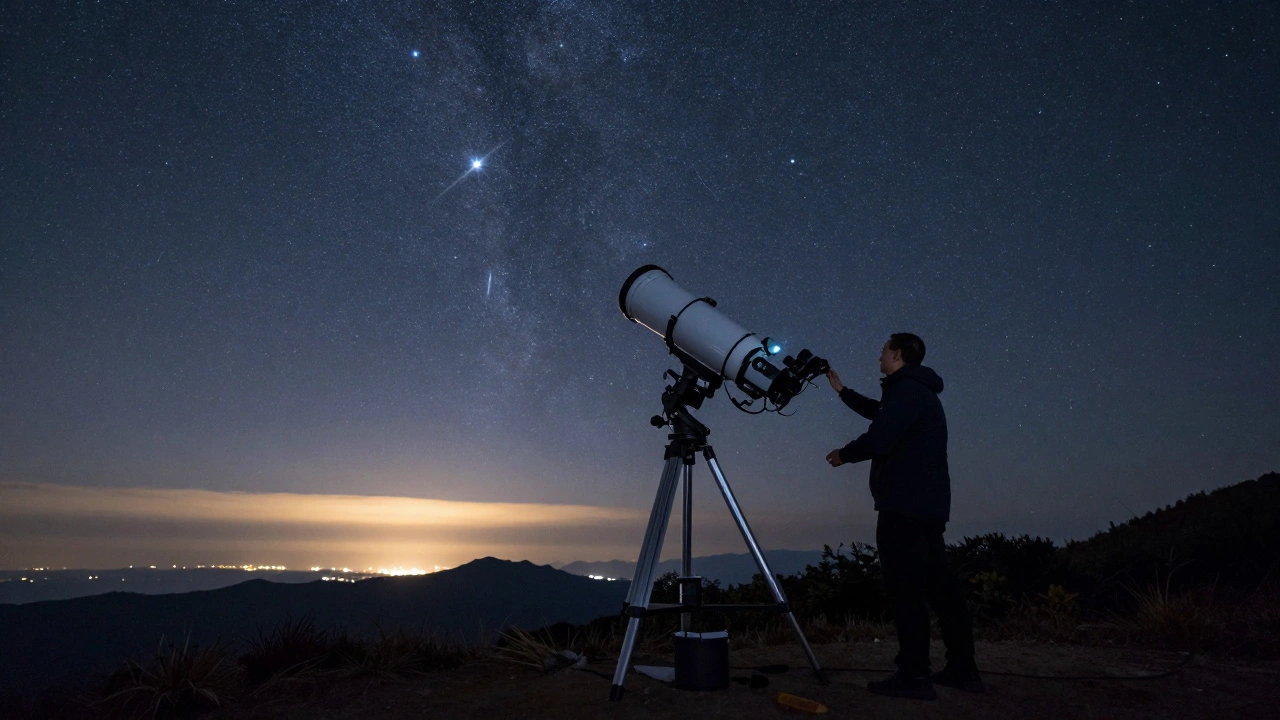
The best way to use these settings is to create a "digital twin" of your target location. If you're heading to a park in the mountains, check a Light Pollution Map (like the VIIRS data maps) first. If the map says the area is Class 3, set your software to Class 3.
Now, search for the objects you want to see. If the Whirlpool Galaxy is visible in the simulation, it's a green light. If it's barely visible, you know you'll need a larger aperture telescope or a very steady mount for long-exposure photography. This process eliminates the frustration of arriving at a site only to find that a new shopping mall on the horizon has turned your "dark site" into a Class 5 wasteland.
Does planetarium software perfectly mimic what I'll see in person?
Not perfectly. Software simulates the presence of light, but it cannot replicate the human eye's physiological response to contrast or the effect of local humidity and smog, which can amplify light pollution (a phenomenon known as skyglow).
What is the difference between a Bortle 4 and a Bortle 5 sky?
The jump from 4 to 5 is often the transition from "rural" to "suburban." In Bortle 4, the Milky Way is still visible and looks natural, though some faint stars are missing. In Bortle 5, the Milky Way starts to look washed out, and the glow from the nearest city becomes a dominant feature of the horizon.
Can I simulate light pollution for astrophotography?
Yes, but remember that cameras "see" more than eyes. A simulation usually shows what is visible to the naked eye. To simulate a photo, you'd actually want a lower light pollution setting than the actual Bortle class, as long exposures can sometimes pull detail out of the glow, provided you use the right filters.
Which software is best for simulating Bortle levels?
Stellarium is widely considered the gold standard for beginners and intermediates because of its flexible atmospheric settings. For professionals, software like Cartes du Ciel offers more precise control over the limiting magnitude and sky brightness calculations.
Why does the sky look orange in simulations of city light pollution?
This is based on the prevalence of high-pressure sodium lamps, which were the standard for street lighting for decades and emit a strong yellow-orange hue. While many cities are switching to white LED lights, the "orange glow" remains the symbolic representation of light pollution in most software.
Next Steps for Your Simulation Journey
If you're just starting, try this: set your software to Class 9 and find your house. Then, switch it to Class 1. The difference is a powerful reminder of why we need to support dark-sky initiatives. If you're a seasoned observer, try mapping out a specific "observation window"-determine which targets are visible at a Class 4 level during October versus February. By mastering the simulation of light pollution, you stop guessing and start knowing exactly what the universe has to show you.