17 Aug 2026
- 0 Comments
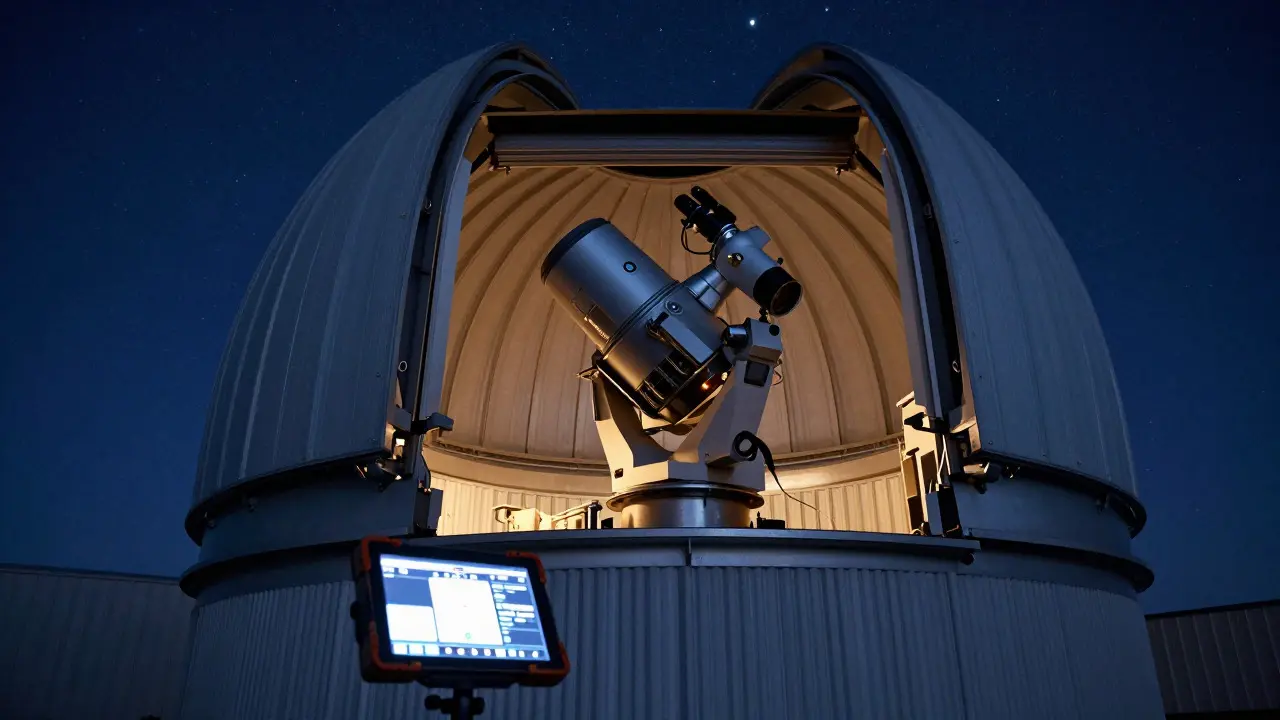
Staring at a single variable star for hours is tedious. You know the routine: focus, align, take a shot, check the sky, repeat. But when you want to track dozens of stars in one night, manual operation falls apart fast. This is where automating variable star monitoring changes the game. By using a telescope sequencer and a well-structured target list, you can let your rig work while you sleep, collecting consistent photometric data that actually contributes to scientific records.
The core problem isn't just speed; it's consistency. Variable star research relies on precise timing and uniform conditions. If you manually switch targets, you introduce human error in exposure times, guiding stability, and filter changes. Automation removes these variables, allowing you to build a reliable dataset over weeks or months. Whether you are tracking Mira-type long-period variables or fast Cepheids, the goal is the same: get out of the way and let the machine do the heavy lifting.
Why Manual Observation Fails for Large Surveys
Think about a typical visual observer. They might spend 10 minutes per star to get a good magnitude estimate. For five stars, that’s 50 minutes. For fifty stars? That’s nearly nine hours of standing in the cold, squinting through an eyepiece, and writing down numbers. The fatigue sets in, and your accuracy drops. In digital photometry, the issue is even more critical because you need multiple exposures per target to average out noise.
Manual sequencing also creates gaps in your data. If you have to walk back inside to change batteries or check a laptop, you lose time. A sequencer runs continuously, logging every frame with precise timestamps. This timestamp precision is vital for identifying periods and phases in variable stars. Without it, your light curves become noisy and hard to fit with period-finding algorithms.
Building Your Target List: The Foundation of Automation
Your target list is not just a text file with coordinates. It’s a structured database that tells your software exactly what to do. Each entry needs specific attributes to ensure the software handles each star correctly. Here is what a robust target list entry should include:
- Name/ID: The official designation (e.g., RR Lyrae, V473 Cas).
- Coordinates: Right Ascension and Declination (J2000 epoch).
- Magnitude Range: Minimum and maximum brightness to set exposure limits.
- Filter Sequence: Which filters to use (e.g., V-band only, or BVR).
- Exposure Time: Base exposure duration.
- Number of Frames: How many exposures to take per visit.
- Priority: High-priority targets get observed first if the night is short.
You can manage this list in Excel, CSV, or specialized formats like .seq files used by programs such as TheSkyX or SkyWatcher SynScan. The key is consistency. If you add a new star, make sure its coordinates match the catalog you’re using. A mismatch of even 1 arcminute can cause your mount to miss the star entirely, wasting an entire sequence slot.
Choosing the Right Sequencing Software
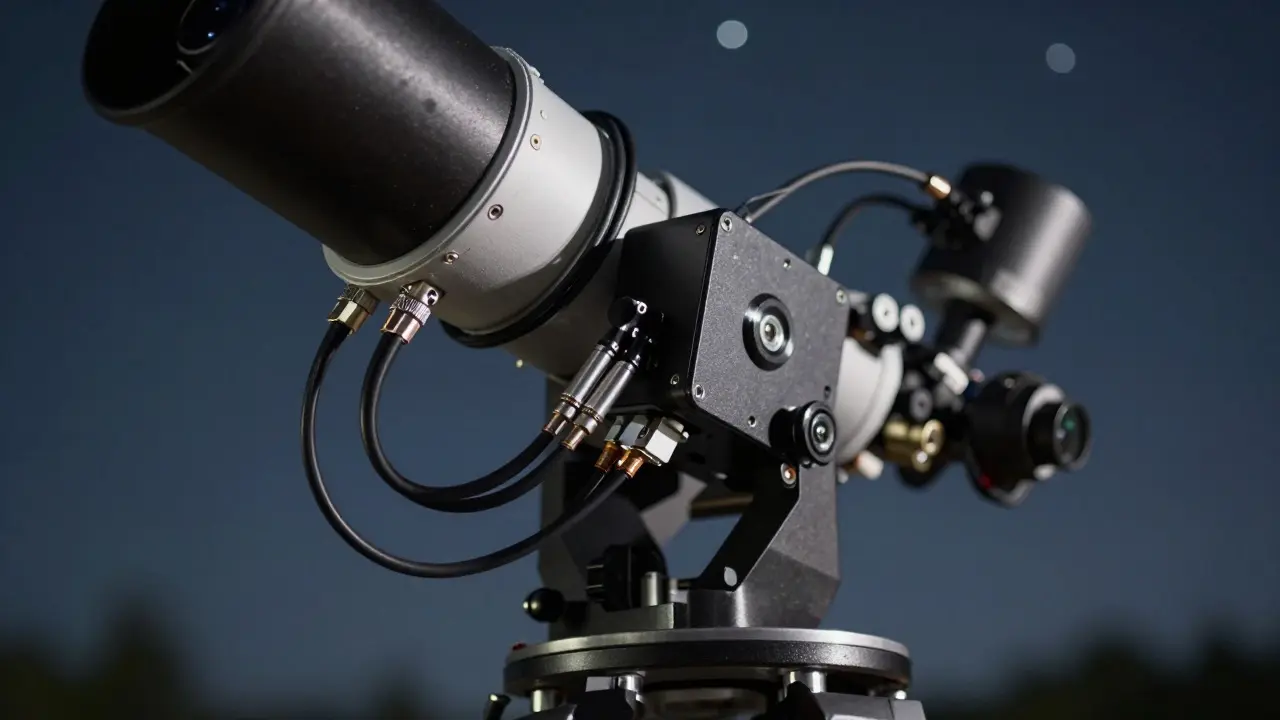
Not all sequencers are created equal. Some are simple scripts, while others are full-featured planetarium programs. The best choice depends on your mount and camera setup. Let’s look at three common approaches:
- Dedicated Sequencer Apps: Programs like ASIAIR or NINA (for Canon EOS) allow direct control from a tablet or laptop. They handle focusing, guiding, and shooting in one loop. Great for beginners who want a plug-and-play solution.
- Planetarium Software Sequencers: TheSkyX and Stellarium (with plugins) offer powerful scripting. You define a sequence, and the software moves the mount, waits for the sky to settle, takes images, and saves them. This is ideal for complex multi-filter observations.
- Custom Scripts: For advanced users, Python scripts using libraries like PyEphem or Astropy give total control. You can write logic like “if the cloud cover exceeds 20%, pause” or “skip targets below altitude 30 degrees.” This requires coding skills but offers the highest flexibility.
When selecting software, check compatibility with your mount protocol. Most modern mounts support ASCOM or INDI drivers, which makes integration smoother. If you’re using a radio-controlled mount without a computer interface, you’ll need a bridge device or a dedicated hand controller with sequencing capabilities.
Optimizing Exposure Times for Variable Stars
This is where many amateurs stumble. You cannot use the same exposure time for a bright star (Magnitude 4) and a faint one (Magnitude 12). If you expose too long on the bright star, the sensor saturates, and you lose data. If you expose too short on the faint star, the signal-to-noise ratio drops, making the measurement useless.
A good rule of thumb is to aim for a peak pixel value between 50% and 80% of your camera’s full well capacity. Here’s how to calculate your base exposure:
- Take a test image of the brightest target in your list.
- Check the histogram. If the peak is above 80%, reduce the exposure time.
- If the peak is below 50%, increase the exposure time.
- Repeat for the faintest target.
- If the range is too wide, split your list into two groups: Bright and Faint. Run separate sequences for each group during different parts of the night.
Some sequencers allow dynamic exposure adjustment based on real-time feedback. If available, enable this feature. It automatically adjusts the exposure for each target based on the previous frame’s brightness, ensuring optimal data quality across your entire list.

Handling Weather and System Failures
Automation doesn’t mean you can ignore the sky. Clouds, humidity, and equipment failures still happen. A robust system includes checks to prevent wasted time.
- Cloud Sensors: Many modern cameras and weather stations integrate with sequencers. If cloud cover increases, the software pauses the sequence and resumes when clear skies return.
- Altitude Limits: Set a minimum altitude (usually 30-40 degrees) to avoid atmospheric distortion near the horizon. Targets below this limit are skipped automatically.
- Error Handling: Configure the software to skip a target if it fails to find stars or if the guide error exceeds a threshold. Don’t let one bad target crash the whole night.
- Battery Management: Monitor battery levels. If power drops below 20%, the software can stop the sequence gracefully, saving data and preventing sudden shutdowns that corrupt files.
Always keep a backup plan. If your main laptop crashes, have a tablet running a basic sequencer ready to go. Redundancy is cheap insurance against losing a night of data.
From Data to Discovery: Processing Your Sequences
Once the sequencer finishes, you have hundreds of FITS files. Now comes the processing. You don’t need to analyze every frame manually. Use photometry software like PixInsight, APASS, or dedicated tools like VISTA. These programs compare your target star against nearby comparison stars to calculate relative magnitudes.
The output is a light curve-a graph of brightness over time. Fit this curve with a sine wave or other models to determine the star’s period and amplitude. Submit your results to the American Association of Variable Star Observers (AAVSO) or the International Variable Star Index (VSX). Your automated data becomes part of a global effort to understand stellar evolution.
Remember, the value of your data lies in its consistency. Even if you only observe a few stars per month, regular automated sessions build a long-term record that professional astronomers rely on. So, set up your sequencer, load your target list, and let the machine work. You’ll be surprised how much more you can achieve when you stop doing the busywork yourself.
What is the best software for automating variable star monitoring?
The best software depends on your setup. For beginners, ASIAIR or NINA offer user-friendly interfaces. For advanced users, TheSkyX or custom Python scripts provide greater flexibility. Choose a tool that integrates well with your mount and camera via ASCOM or INDI drivers.
How many stars can I monitor in one night?
This depends on exposure times and the number of frames per target. With 60-second exposures and 3 frames per target, you can observe 20-30 stars in a 6-hour session. Faster exposures allow more targets, but signal-to-noise may suffer. Splitting lists into bright and faint groups helps optimize coverage.
Do I need a guided mount for automated sequences?
Yes, guiding is essential for long exposures. Without guiding, stars will trail, ruining your photometry. Ensure your autoguider is calibrated and stable before starting the sequence. Most sequencers can pause if guiding errors exceed a set threshold.
How do I handle different magnitudes in my target list?
Use dynamic exposure adjustment if your software supports it. Otherwise, split your list into groups based on brightness. Observe brighter stars with shorter exposures and fainter stars with longer exposures. This prevents saturation on bright targets and ensures sufficient signal on faint ones.
Where should I submit my variable star data?
Submit your processed light curves to the American Association of Variable Star Observers (AAVSO) or the International Variable Star Index (VSX). Both organizations welcome amateur data and use it to refine stellar models. Make sure your data includes accurate timestamps and comparison star information.