17 Aug 2026
- 0 Comments
Imagine pointing your telescope at a specific coordinate in the night sky, only to find that the target is nowhere to be seen. This happens more often than you’d think when observing comets or asteroids. Unlike fixed stars, these objects move rapidly across the celestial sphere. A comet can shift by several degrees in a single night, while a near-Earth asteroid might move faster than the Moon itself. To catch them, you need precise ephemeris data integrated directly into your planetarium software.
Planetarium software acts as the digital brain of your setup, translating complex orbital mechanics into simple "Go To" commands for your mount. However, not all software handles non-stationary targets equally well. Some treat comets like static stars, leading to missed observations. Others update their databases in real-time, ensuring you never lose track of a fast-moving object. Understanding how these tools work is the difference between frustration and discovery.
Why Static Star Charts Fail for Moving Targets
Traditional star charts are excellent for finding constellations, but they fall short when it comes to solar system bodies outside the planets. Comets follow highly elliptical orbits, meaning their speed changes drastically depending on their distance from the Sun. An asteroid’s path can be perturbed by gravitational interactions with Earth, Mars, or Jupiter. If your software relies on outdated catalogs, it will calculate a position based on where the object *was*, not where it *is*.
The core issue lies in the difference between astrometric positions and ephemerides. Astrometry measures where an object appears in the sky at a specific moment. An ephemeris is a table or function that predicts that position over time. For deep-sky objects like galaxies, the difference is negligible because their proper motion is tiny. For comets and asteroids, the difference is critical. A one-day error in an ephemeris calculation for a fast-moving asteroid can result in a miss of several arcminutes-enough to put the object entirely out of your eyepiece field of view.
Key Features to Look for in Telescope Simulation Software
When selecting or configuring planetarium software for dynamic targets, focus on three main capabilities: database frequency, orbital element support, and integration latency.
- Database Update Frequency: Does the software pull data from authoritative sources like the Minor Planet Center (MPC) or NASA JPL Horizons daily? Real-time updates are ideal, but weekly updates are acceptable for slower comets.
- Orbital Element Support: Can the software accept user-defined orbital elements? Sometimes, new comets are discovered just before observation. Being able to input raw Keplerian elements allows you to simulate the object immediately without waiting for a database patch.
- Integration Latency: How quickly does the calculated position transfer to your telescope mount? Delays of more than a few seconds can cause significant errors for high-velocity objects.
Popular platforms like Stellarium, TheSkyX, and Cartes du Ciel each handle these features differently. Stellarium offers open-source flexibility with frequent community updates. TheSkyX provides robust professional-grade ephemeris calculations. Cartes du Ciel excels in visualizing orbital paths over long periods. Choosing the right tool depends on whether you prioritize ease of use, precision, or visualization depth.
Step-by-Step: Simulating a Fast-Moving Asteroid
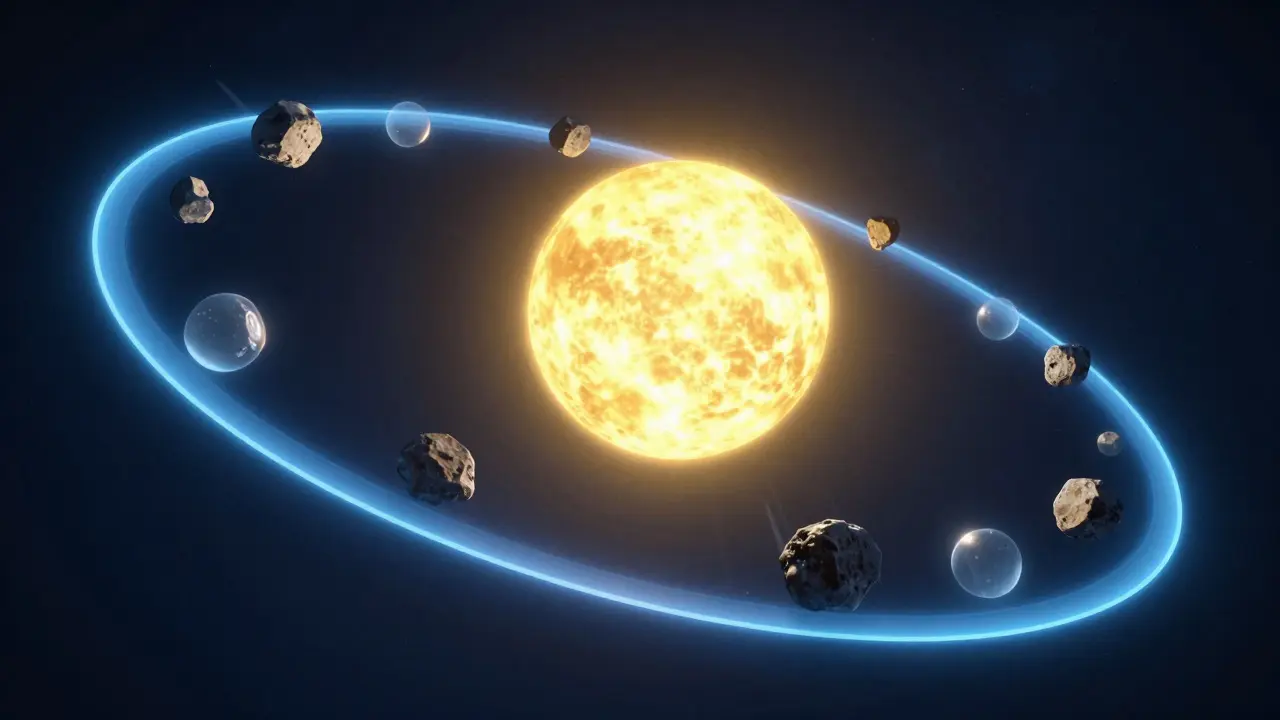
Let’s walk through simulating a hypothetical Near-Earth Object (NEO) named 2026-X1 using a standard planetarium interface. This process applies to most major software suites.
- Open the Search Function: Access the search bar and select the "Solar System Objects" or "Minor Planets" category. Do not use the general star search.
- Enter the Designation: Type the full designation, including the year and provisional letter (e.g., 2026-X1). Avoid entering just the number if multiple objects share similar numbers.
- Verify the Epoch: Check the date associated with the ephemeris data. Ensure it matches your current observing date. If the software shows a date older than 24 hours, manually refresh the database if possible.
- Check the Rate of Motion: Most software displays the object's movement in arcseconds per hour. If the rate exceeds 30 arcseconds per hour, plan to observe within a two-hour window of the calculated time.
- Execute the Go-To Command: Send the coordinates to your mount. Wait for the slewing to complete. Do not adjust the scope manually until the object is centered.
If the object isn’t visible, don’t panic. Check your exposure settings. Asteroids and comets are often fainter than cataloged magnitudes suggest due to phase angle effects. Increase your exposure time or switch to a wider-field eyepiece to locate the object first, then zoom in.
Comparing Major Planetarium Platforms for Dynamic Targets
Each software package has strengths and weaknesses when dealing with moving bodies. Here is a comparison of how they handle comet and asteroid ephemerides.
| Software | Ephemeris Source | Update Frequency | User-Defined Orbits | Best For |
|---|---|---|---|---|
| Stellarium | MPC / JPL | Daily (Auto) | Yes | Budget-conscious users, Linux/Mac compatibility |
| TheSkyX | Professional DB | Weekly (Manual) | Yes | High-precision astrophotography, advanced planning |
| Cartes du Ciel | JPL Horizons | On-Demand | Limited | Visualizing orbital trajectories over months |
| Planetary | Internal Model | Static | No | Basic planetariums, not recommended for NEOs |
Note that "Static" internal models in basic software often fail for objects with high eccentricity. Always verify that your chosen platform supports Keplerian orbit propagation rather than relying on pre-calculated star-like positions.
Troubleshooting Common Simulation Errors
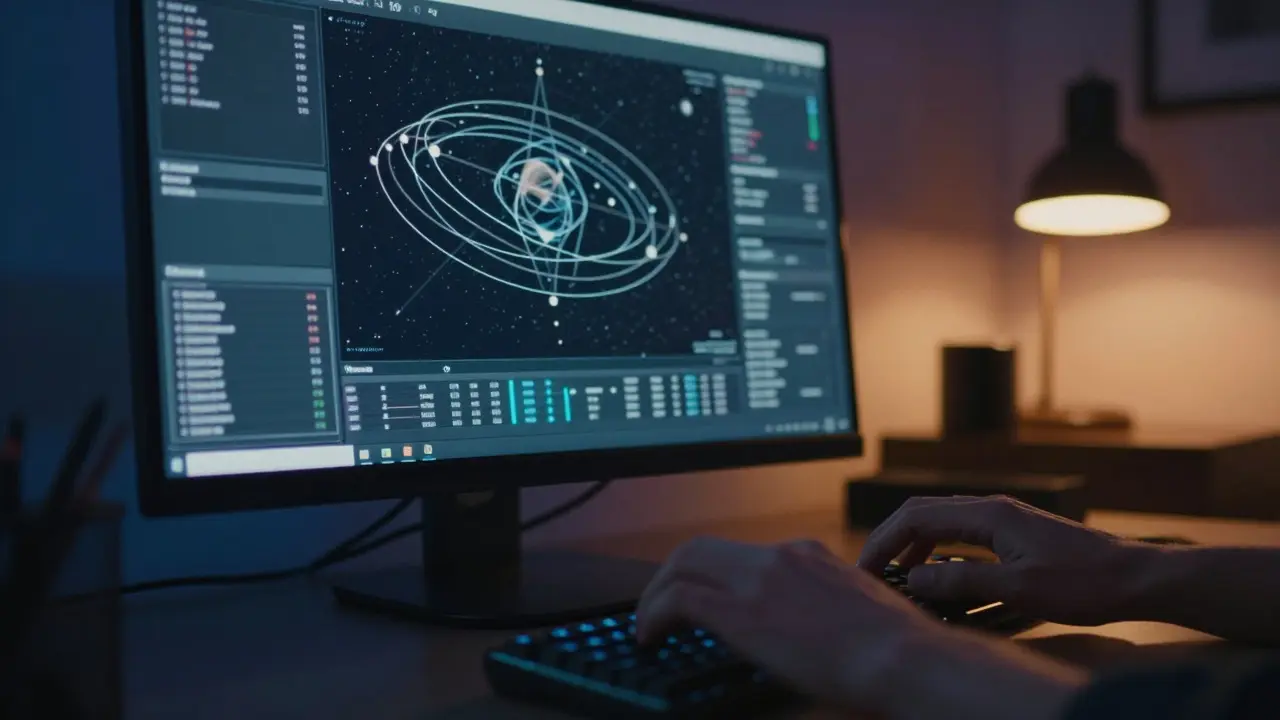
Even with good software, errors occur. Here are the most common issues and how to fix them.
Error: Object Not Found in Database. This usually means the object was discovered very recently. Solution: Manually enter the orbital elements from the Minor Planet Center website. Copy the semi-major axis, eccentricity, inclination, longitude of ascending node, argument of perihelion, and mean anomaly at epoch.
Error: Mount Slew Fails or Stops Mid-Way. This indicates a communication timeout between the software and the mount controller. Solution: Check your USB connection and ensure no other program is accessing the port. Restart the ASCOM driver or serial bridge.
Error: Position Drift During Observation. If the object moves out of the field of view while you are looking at it, your tracking rate might be wrong. Solution: Enable "Tracking Solar System Objects" mode in your mount control panel. This tells the mount to account for the object's sidereal plus differential motion.
Practical Tips for Successful Observations
Simulation is only half the battle. Execution matters too. Keep these tips in mind:
- Use a Wide Field First: Start with a low-magnification eyepiece (e.g., 32mm) to locate the object. Its motion makes pinpointing difficult at high power.
- Account for Atmospheric Refraction: At low altitudes, refraction can shift an object's apparent position by up to 35 arcminutes. Ensure your software applies refraction corrections automatically.
- Log Your Observations: Record the exact time and coordinates used. If you miss the object, this data helps you diagnose whether the error was in the ephemeris or your execution.
- Check Phase Angle: Comets and asteroids reflect sunlight. A high phase angle (when observed near opposition) can make them appear dimmer than predicted. Adjust your expectations accordingly.
By mastering the interplay between accurate ephemerides and reliable software, you transform random guessing into targeted discovery. The next time a new comet enters the inner solar system, you’ll be ready to catch it exactly where it belongs.
How often should I update my planetarium software database?
For planets and bright comets, monthly updates are sufficient. For Near-Earth Asteroids (NEAs) and new comets, update daily or before every observing session. Fast-moving objects can change position significantly in 24 hours.
Can I use star chart coordinates for comets?
Only if the chart is updated within the last few hours. Otherwise, the error will likely place the comet outside your field of view. Always use dedicated ephemeris data for non-stationary targets.
What is the best free software for asteroid tracking?
Stellarium is widely considered the best free option. It integrates with many mounts via ASCOM or INDI drivers and pulls ephemeris data from reliable astronomical databases automatically.
Why does my telescope lose track of a comet after a few minutes?
Your mount is likely tracking at sidereal rate instead of solar system rate. Switch to the appropriate tracking mode for the object type. Also, check for mechanical backlash in your gears, which can cause drift during slow movements.
Do I need internet access to simulate ephemerides?
Not necessarily. If your software has a local database cached, it can calculate positions offline. However, for the latest discoveries, you need internet access to download new orbital elements.